TP-Link Archer AX55 or ASUS RT-AX58U for a small home?

If you are choosing between the TP-Link Archer AX55 and ASUS RT-AX58U for a small home, the Archer AX55 is the better overall pick for most buyers. Both are AX3000 Wi-Fi 6 routers with 2.4GHz speeds up to 574Mbps and 5GHz speeds up to 2,402Mbps, so the real difference comes down to software, mesh options, security features, and how you plan to use the network.
For a small apartment, condo, or compact house, you do not necessarily need a premium router. A good AX3000 router can handle everyday streaming, video calls, gaming, smart-home devices, and several connected phones and computers without requiring a mesh system.
Quick comparison
| Feature | TP-Link Archer AX55 | ASUS RT-AX58U |
|---|---|---|
| Wi-Fi standard | Wi-Fi 6 | Wi-Fi 6 |
| Class | AX3000 | AX3000 |
| 2.4GHz | Up to 574Mbps | Up to 574Mbps |
| 5GHz | Up to 2,402Mbps | Up to 2,402Mbps |
| 160MHz channels | Yes | Yes |
| Antennas | 4 external | 4 external |
| Gigabit WAN | 1 | 1 |
| Gigabit LAN | 4 | 4 |
| USB | USB 3.0 | USB 3.2 Gen 1 |
| Mesh system | OneMesh / EasyMesh support varies by version/region | ASUS AiMesh |
| Security | TP-Link HomeShield | ASUS AiProtection Pro |
| Parental controls | Yes | Yes |
| Best fit | Simple home networking | Users wanting ASUS features and AiMesh |
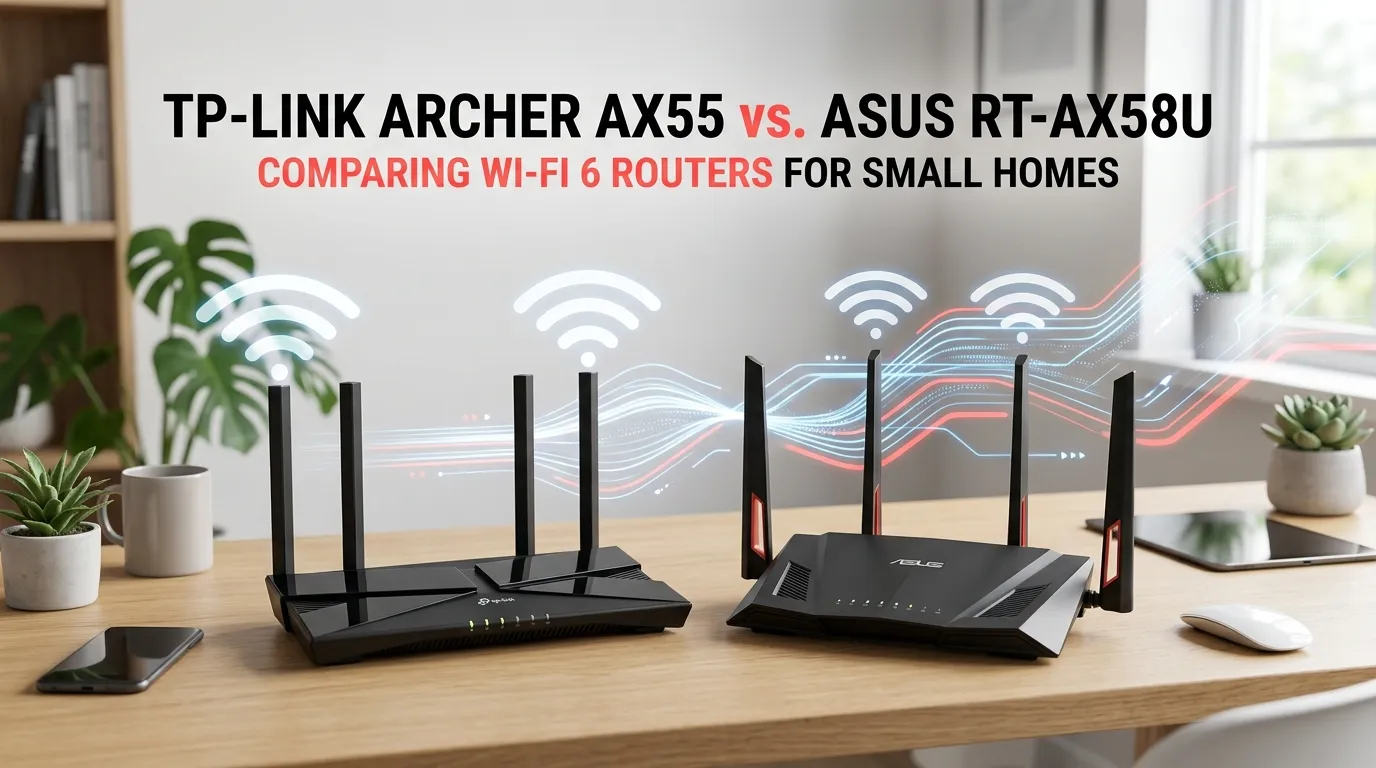
The core wireless specifications are remarkably close. TP-Link lists the AX55 as an AX3000 router with four high-performance antennas, four Gigabit LAN ports, a USB 3.0 port, HomeShield, and OneMesh support; the current US specifications also list EasyMesh compatibility. ASUS lists the RT-AX58U as an AX3000 router with four external antennas, four Gigabit LAN ports, USB 3.2 Gen 1, AiMesh, and 512MB of RAM.
Which router is better for a small home?
For most small-home users, I would choose the TP-Link Archer AX55.
The reason is not that it has dramatically faster Wi-Fi. It does not. Both routers offer the same advertised AX3000 wireless class and the same maximum 2.4GHz and 5GHz rates.
Instead, the AX55 makes more sense when you want a straightforward home router with strong hardware, four Gigabit LAN ports, USB storage support, HomeShield security features, and the option to expand coverage later.
The ASUS RT-AX58U becomes more attractive if you specifically want ASUS’s AiMesh system, AiProtection Pro, or more control over an ASUS-based network.
TP-Link Archer AX55: Why it works well in a small home
The Archer AX55 is built around Wi-Fi 6 and supports 160MHz channels on the 5GHz band. Its advertised wireless rates are 2,402Mbps on 5GHz and 574Mbps on 2.4GHz. It also has four external antennas, beamforming, OFDMA, and four Gigabit LAN ports.
That combination is more than enough for many small homes.
A typical small household might have:
- Two or three smartphones
- A laptop or two
- A smart TV
- A game console
- Several smart-home devices
- A printer
- One or two tablets
The AX55’s Wi-Fi 6 features are designed to handle multiple devices efficiently rather than simply focusing on maximum speed for one device. TP-Link specifically lists OFDMA and Airtime Fairness among its wireless features.
HomeShield is useful for family networks
The AX55 includes TP-Link HomeShield features such as network scanning, malicious-site blocking, intrusion prevention, and parental controls.
That can be useful if you want basic network management without spending a lot of time configuring advanced router settings.
One thing to keep in mind is that not every HomeShield feature is necessarily included in the same way without a subscription, so check the current TP-Link service terms before buying based on a specific premium feature.
The AX55 gives you room to expand
The AX55 supports TP-Link’s OneMesh ecosystem, and current regional documentation also lists EasyMesh compatibility.
That matters if your small home later becomes a larger coverage problem.
For example, imagine a small two-story house where the router works well downstairs but the upstairs bedroom has weak signal. Instead of replacing the router immediately, you could look at compatible mesh or network-expansion options.
ASUS RT-AX58U: Why you might choose it instead
The RT-AX58U is also an AX3000 Wi-Fi 6 router. ASUS lists 2,402Mbps on 5GHz and 574Mbps on 2.4GHz, along with 160MHz bandwidth, 1024-QAM, OFDMA, and MU-MIMO.
So you are not giving up much in basic wireless capability by choosing ASUS.
The bigger reason to choose it is the ASUS software and ecosystem.
AiMesh is the biggest advantage
ASUS AiMesh allows compatible ASUS routers to work together as a whole-home Wi-Fi system. ASUS says AiMesh can use a mix of selected ASUS router models, with centralized management and roaming between nodes.
This is especially useful if you already own another compatible ASUS router.
For example, suppose your small home currently needs only one router but you expect to move into a larger house later. Building around AiMesh could make that transition easier if you want to stay within the ASUS ecosystem.
If you have no interest in adding another ASUS router, however, AiMesh is much less important.
ASUS has strong built-in security features
ASUS says the RT-AX58U includes AiProtection Pro powered by Trend Micro, with security features and advanced parental controls.
This can make the ASUS a better fit for someone who wants more network-management features rather than simply plugging in a router and leaving it alone.
Does one have better Wi-Fi range?
There is no reliable reason to assume that one will always have better range in every small home.
TP-Link lists the AX55 as suitable for three-bedroom houses and uses four high-performance antennas, beamforming, and high-power front-end modules. ASUS also describes the RT-AX58U as offering improved Wi-Fi coverage through Wi-Fi 6 technologies and four external antennas.
Real-world coverage depends heavily on the building.
A router in a small open apartment with drywall may perform very differently from the same router inside a home with thick brick walls, multiple floors, or lots of interference.
For that reason, do not buy either router based solely on a manufacturer’s advertised coverage claim.
Placement matters more than small spec differences
For a small home, place the router:
- Near the center of the living area
- In an open location
- Above the floor when practical
- Away from large metal objects
- Away from enclosed cabinets
- Away from sources of heavy wireless interference
A centrally placed AX3000 router will often be a better solution than putting a more expensive router at one end of the house.
Which is better for gigabit internet?
Both routers have Gigabit Ethernet ports and AX3000-class Wi-Fi, so either can make sense for an internet plan around the gigabit range. TP-Link lists one Gigabit WAN port and four Gigabit LAN ports on the AX55, while ASUS lists the same basic WAN/LAN configuration on the RT-AX58U.
But there is an important distinction:
A router’s advertised 2,402Mbps Wi-Fi rate does not mean a phone or laptop will download at 2,402Mbps from the internet.
Those numbers are theoretical wireless link rates. Actual throughput depends on the client device, signal strength, channel conditions, distance, interference, Ethernet connection, and internet service.
If your internet plan is 300Mbps, either router has plenty of wireless capacity for normal home use.
If you have a gigabit plan, either can be a reasonable choice, but your actual Wi-Fi speeds will still depend on the devices connecting to the router.
Which is better for gaming?
For most small homes, neither has a major advantage simply because it is marketed as a gaming solution.
Both support Wi-Fi 6 technologies designed to improve efficiency and reduce congestion. TP-Link specifically highlights OFDMA and lower latency, while ASUS uses OFDMA and MU-MIMO to improve efficiency when multiple devices are active.
If you play online games, the more important factors are often:
- Using Ethernet when possible
- Having a stable internet connection
- Keeping the router reasonably close to Wi-Fi gaming devices
- Avoiding network congestion
- Using appropriate QoS settings when needed
For a gaming PC or console sitting near the router, wired Gigabit Ethernet is still the better choice when practical.
Which is better for streaming and multiple devices?
Both are good choices.
The AX55 and RT-AX58U are both designed for multi-device Wi-Fi 6 networks. Their 5GHz bands provide considerably more theoretical capacity than older entry-level Wi-Fi routers, while OFDMA helps the router manage multiple compatible clients more efficiently.
For a small household watching Netflix or YouTube while someone else is on a video call and another person is gaming, either router should be capable of handling the workload with a suitable internet connection.
The AX55 gets my slight edge for the typical buyer because its feature set is straightforward and its current TP-Link platform offers multiple ways to expand the network later.
Which router is easier to expand?
This depends on the ecosystem you prefer.
Choose ASUS if you specifically want AiMesh. ASUS designed AiMesh to combine compatible ASUS routers into one whole-home network.
Choose TP-Link if you prefer the TP-Link ecosystem. The AX55 supports OneMesh, while current TP-Link documentation also identifies EasyMesh compatibility.
The key is not to assume that every mesh extender or router from either company will work with every model. Always check the exact compatibility list for the hardware version and region before buying an additional device.
What about USB storage?
Both routers include a USB port, which can be useful for certain storage or network-sharing functions.
The AX55 has one USB 3.0 port and supports functions including Samba, FTP, media-server features, and Apple Time Machine according to TP-Link’s specifications.
The RT-AX58U has one USB 3.2 Gen 1 port and supports USB-related router features as well. ASUS notes that actual USB transfer speeds depend on several factors, including the connected storage device and system configuration.
For a small home, though, USB should probably be a secondary buying factor unless you specifically want to connect storage or another compatible USB device.
Which one should you buy?
| Your situation | Better choice |
|---|---|
| Small apartment | Archer AX55 |
| Small family home | Archer AX55 |
| Lots of Wi-Fi devices | Either, slight AX55 edge |
| Simple setup and everyday use | Archer AX55 |
| Want ASUS AiMesh | RT-AX58U |
| Already own compatible ASUS routers | RT-AX58U |
| Want ASUS AiProtection Pro | RT-AX58U |
| Want TP-Link OneMesh/EasyMesh options | Archer AX55 |
| USB file sharing | Either |
| Basic Wi-Fi 6 gaming | Either |
Two small-home examples
Example 1: A 900-square-foot apartment
Suppose you live in a one-bedroom apartment with a 500Mbps internet plan. You have two phones, a laptop, a smart TV, a gaming console, and several smart-home devices.
You probably do not need the extra complexity of a multi-router system.
The Archer AX55 would be my pick because its AX3000 wireless class, four Gigabit LAN ports, Wi-Fi 6 features, and security controls are more than enough for this type of network.
Example 2: A small home that may need mesh later
Now suppose you live in a small house and already own an ASUS router that supports AiMesh. You may eventually add another node because one bedroom has weak coverage.
In that situation, the RT-AX58U becomes the more logical choice because it can fit into the ASUS AiMesh ecosystem.
The ecosystem you already own can matter more than a small difference in router specifications.
What should you check before buying?
Before choosing either router, look at your actual network rather than just the advertised Wi-Fi number.
Check:
- Your internet plan speed
- The size and layout of your home
- Number of connected devices
- Whether you need USB storage sharing
- Whether you want mesh expansion later
- Whether you already own ASUS or TP-Link networking equipment
- Whether your important devices support Wi-Fi 6
- Whether you need advanced parental or security controls
Also check the exact hardware version being sold. Router specifications and supported features can vary by hardware revision and region. TP-Link’s US support page, for example, lists multiple Archer AX55 hardware versions.
FAQ
Is the TP-Link Archer AX55 faster than the ASUS RT-AX58U?
Not on paper in terms of maximum Wi-Fi class. Both are AX3000 routers with advertised speeds of 574Mbps on 2.4GHz and 2,402Mbps on 5GHz.
Is the RT-AX58U good enough for a small apartment?
Yes. Its AX3000 Wi-Fi 6 hardware, four external antennas, Gigabit ports, and multi-device features make it well suited to many small homes and apartments.
Should I choose ASUS or TP-Link if I plan to add mesh later?
Choose based on the ecosystem you want to use. The RT-AX58U supports ASUS AiMesh, while the Archer AX55 supports TP-Link’s OneMesh and, on current compatible versions, EasyMesh.
Final verdict
For the specific question “TP-Link Archer AX55 or ASUS RT-AX58U for a small home?”, the TP-Link Archer AX55 is the better default choice for most buyers.
Both routers offer very similar Wi-Fi 6 performance on paper, so you should not expect a huge speed difference. The AX55 makes more sense if you want a simple, capable router for everyday home use, while the RT-AX58U is the better fit if you value ASUS’s AiMesh system and AiProtection Pro or already have compatible ASUS equipment.
Expert tip: For a small home, spend more time choosing the right router location than chasing a slightly higher advertised Wi-Fi number. A well-placed AX3000 router can be a better solution than an expensive router sitting behind a TV or inside a cabinet.