Tapo C120 or Wyze Cam v4 for local storage?

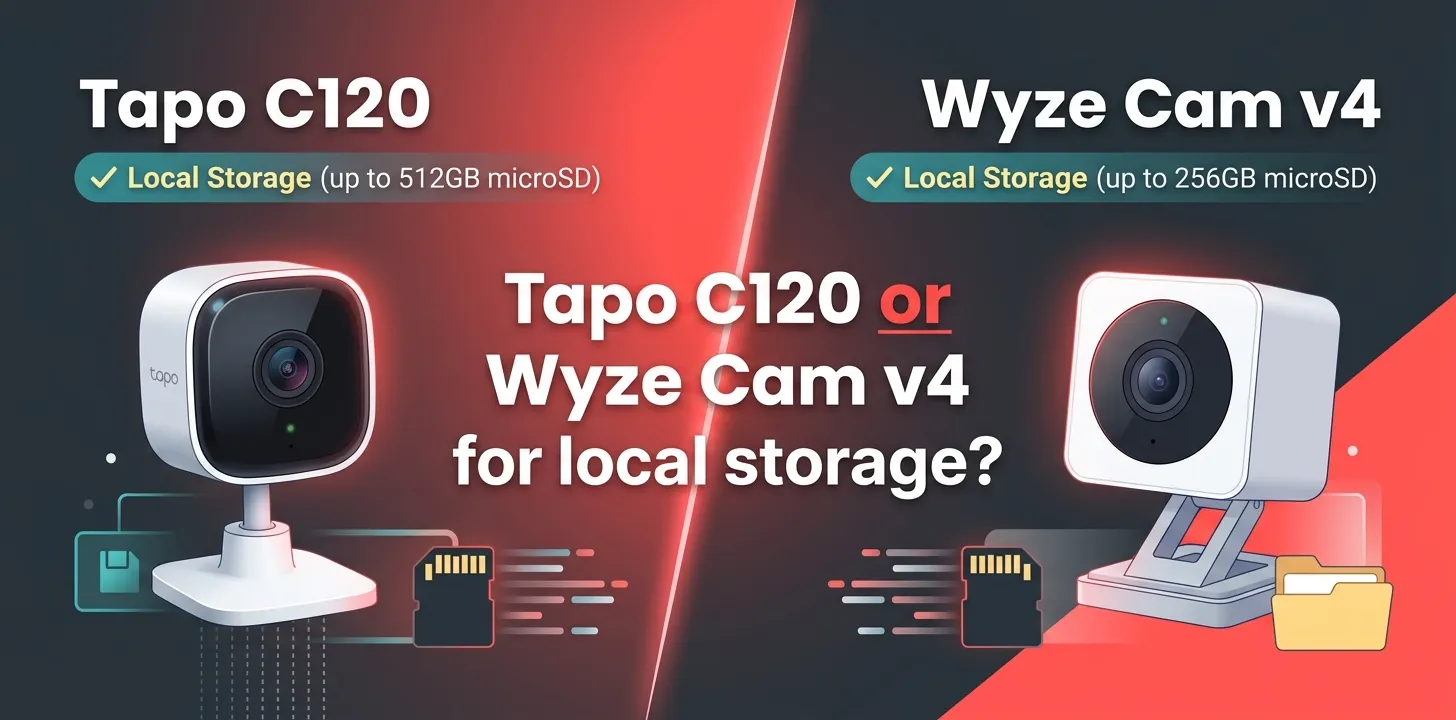
If local storage is your priority, the Tapo C120 is the stronger choice for most buyers. Both cameras support recording to a microSD card without requiring a cloud subscription, but the C120 supports cards up to 512GB, compared with 256GB for the Wyze Cam v4. Tapo also offers free on-device person, pet, and vehicle detection.
For buyers comparing these cameras specifically for local storage, the biggest difference is not whether they support local recording—they both do. The more useful questions are how much footage you can keep, whether you want continuous recording, what alerts you get without a subscription, and how much you depend on cloud services.
| Feature | Tapo C120 | Wyze Cam v4 |
|---|---|---|
| Local storage | microSD | microSD |
| Maximum supported card | Up to 512GB | Up to 256GB |
| Continuous local recording | Yes | Yes |
| Cloud subscription required for local recording | No | No |
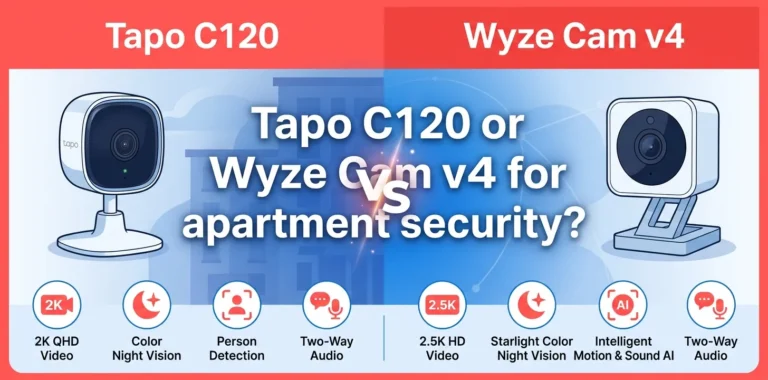
| Video resolution | 2K QHD, 2560 × 1440 | 2.5K QHD, 2560 × 1440 |
| Free person/pet/vehicle detection | Yes | More advanced AI features require Cam Plus |
| Outdoor rating | IP66 | IP65 |
| Wi-Fi | 2.4GHz | 2.4GHz |
| Cloud option | Tapo Care | Wyze services/Cam Plus |
| Best local-storage advantage | Larger card capacity and free smart detection | Strong local recording plus Wyze ecosystem |
The biggest local-storage difference: card capacity
The Tapo C120 supports a microSD card up to 512GB. TP-Link says that a 512GB card can hold up to about 680 hours, or 28 days, of 2K QHD footage, although actual recording time varies with settings and activity.
The Wyze Cam v4 officially supports microSD cards up to 256GB in exFAT format.
That gives Tapo a clear advantage if you want to keep a larger amount of footage locally before older recordings are overwritten.
If you only need a few days of history, however, the difference may not matter much. A 256GB card is already substantial for many home-camera setups.
Tapo C120 is better if you want maximum local storage
The C120 is the easier pick when your main goal is keeping as much footage as possible on the camera.
Its microSD slot accepts cards up to 512GB, and the camera can be configured for continuous recording or detection-based recording. TP-Link’s current documentation confirms that continuous recording stores footage locally on the microSD card when the feature is enabled.
This matters if you want to look back at something that happened several hours ago rather than relying only on motion-triggered clips.
For example, imagine you use the camera to watch an entryway while you’re away. With continuous local recording enabled, you can review the timeline around a specific time instead of hoping the camera happened to save an event clip.
The C120 also has useful free detection features
The Tapo C120 supports on-device detection for people, pets, and vehicles, along with other detection features. TP-Link lists this processing under its camera specifications and says the camera uses on-device machine learning.
That is useful because local storage becomes much more practical when you can combine it with meaningful alerts.
Instead of simply recording everything and manually searching through hours of video, you can use detection features to make the footage easier to review.
Wyze Cam v4 is still a strong local-storage camera
The Wyze Cam v4 should not be dismissed if you prefer Wyze’s ecosystem or want its particular video features.
Wyze officially lists local microSD storage up to 256GB, and its current support documentation confirms that the Cam v4 is among the Wyze cameras with local storage.
The camera records at 2560 × 1440 resolution and supports color night vision. It also works with Alexa, Google Assistant, and IFTTT.
So if 256GB is enough for your needs, the Wyze’s smaller maximum card capacity does not automatically make it a bad choice.
Where Wyze makes more sense
Choose the Wyze Cam v4 when you:
- Already use other Wyze products
- Prefer the Wyze app and ecosystem
- Want 2.5K video
- Are comfortable with a 256GB maximum local card
- Want local recording but may also use Wyze’s cloud services
Wyze’s current documentation makes clear that local storage is available on the Cam v4, so you do not need a subscription simply to put recordings on a microSD card.
Do you need a cloud subscription for local recording?
No. Neither camera requires a cloud subscription just to record locally to a microSD card.
That’s an important distinction because “local storage” and “cloud storage” serve different purposes.
With local storage:
- The recording is saved on the microSD card inside the camera.
- You purchase the card separately.
- You don’t pay a monthly cloud-storage fee just to keep those recordings.
- Storage capacity depends on the card and recording settings.
- Older footage can be overwritten as the card fills.
With cloud storage, footage is uploaded to the provider’s servers and may remain available even if the camera or its local card is damaged or removed.
For a buyer focused on avoiding recurring fees, local recording is therefore the key feature.
Which camera is better for continuous recording?
Tapo C120 has a particularly clear advantage for buyers who want a large local archive.
TP-Link documents continuous recording for supported Tapo cameras, with recordings stored locally on a microSD card. The C120’s 512GB maximum gives you more potential storage than the Wyze Cam v4’s official 256GB limit.
But continuous recording also means more writing to the card.
TP-Link recommends using a High Endurance, Max Endurance, or Pro Endurance microSD card for continuous recording and recommends at least Class 10/U1/V10 for reliable recording.
That advice is worth following with either camera. A cheap, low-quality card can cause recording failures or premature wear.
What happens when the microSD card fills up?
Local camera storage normally works as a rolling archive.
Once available storage is exhausted, new recordings can overwrite older footage when loop recording is enabled. This means local storage is not the same as permanent storage.
For example, if your camera has enough capacity for roughly several weeks of footage, a recording from the beginning of that period may eventually disappear as newer footage is saved.
That is fine for everyday home monitoring. But if a particular recording is important, you should download or back it up rather than assuming it will remain on the card indefinitely.
Which is better for privacy?
Both cameras give you a way to store recordings locally rather than relying entirely on cloud storage.
That can reduce your dependence on cloud video storage, but local storage does not mean the camera never communicates with the manufacturer’s servers. Setup, app features, notifications, firmware updates, accounts, and optional cloud services can involve network communication.
So if your goal is simply to avoid paying for cloud video storage, either camera can work.
If your goal is complete network isolation, that’s a different requirement and should be evaluated separately from microSD support.
Tapo C120 vs. Wyze Cam v4 for local storage: which should you buy?
The decision is fairly straightforward.
Pick the Tapo C120 if local storage is your main priority. Its 512GB microSD support gives you twice the maximum card capacity listed for the Wyze Cam v4, and Tapo provides several on-device detection features without requiring Tapo Care for local recording.
Pick the Wyze Cam v4 if 256GB is enough and you prefer Wyze’s ecosystem or camera features. You still get local microSD recording without needing a subscription, so it remains a good option for buyers who want to keep their footage locally.
| If your priority is… | Better choice |
|---|---|
| Largest local storage | Tapo C120 |
| Up to 512GB microSD | Tapo C120 |
| Free local recording | Tie |
| Continuous local recording | Tie |
| Free smart detection | Tapo C120 |
| Wyze ecosystem | Wyze Cam v4 |
| 2.5K video | Wyze Cam v4 |
| Avoiding recurring storage fees | Tie |
Scenario 1: You want several weeks of footage
Suppose you want a camera recording continuously in a room or at an entry point and want to keep as much history as possible.
The Tapo C120 makes more sense because its 512GB maximum gives you more local capacity. TP-Link estimates about 28 days of 2K footage with a 512GB card under its stated conditions.
Scenario 2: You already own several Wyze devices
If your home already uses Wyze cameras and accessories, switching ecosystems solely for the larger SD-card capacity may not be worthwhile.
The Wyze Cam v4 can still record locally without a subscription, and its 256GB maximum may be more than enough for your recording schedule.
What microSD card should you use?
For either camera, don’t treat the microSD card as an afterthought.
Security cameras can write video continuously for long periods, which is harder on flash storage than occasional file transfers. TP-Link specifically recommends endurance-rated cards for continuous recording and says a minimum Class 10/U1/V10 rating is required for reliable recording on its Tapo cameras.
For the Tapo C120, make sure the card is compatible with the camera before buying. TP-Link also warns that counterfeit or poor-quality cards can cause recognition and formatting problems.
For the Wyze Cam v4, stay within Wyze’s officially supported 256GB maximum and use the required exFAT format.
Frequently Asked Questions
Can Tapo C120 record without a subscription?
Yes. The Tapo C120 can save recordings to a microSD card without requiring a Tapo Care cloud subscription. It supports cards up to 512GB, making local storage one of its main strengths.
Can Wyze Cam v4 record to an SD card without Cam Plus?
Yes. The Wyze Cam v4 supports local microSD recording, and Wyze lists support for cards up to 256GB. A Cam Plus subscription is not required simply to use local storage.
Is 512GB better than 256GB for a security camera?
It can be if you want a longer local recording history, especially with continuous recording. But if you only need a few days of footage, 256GB may already provide enough capacity, so the larger card limit should not be the only reason to choose the Tapo C120.
Final Verdict
For the specific question “Tapo C120 or Wyze Cam v4 for local storage?”, I’d choose the Tapo C120 for most local-storage-focused buyers. Its 512GB microSD support, continuous local recording, and on-device detection make it a particularly strong fit when you want to keep more footage locally and avoid ongoing storage fees.
The Wyze Cam v4 is still the better fit if you already use Wyze products or prefer its ecosystem and 2.5K video. The practical tip is simple: buy a quality endurance-rated microSD card, enable the recording mode you actually need, and back up important footage before the rolling storage overwrites it.