Kobo Clara BW or Kindle Paperwhite for reading PDFs?

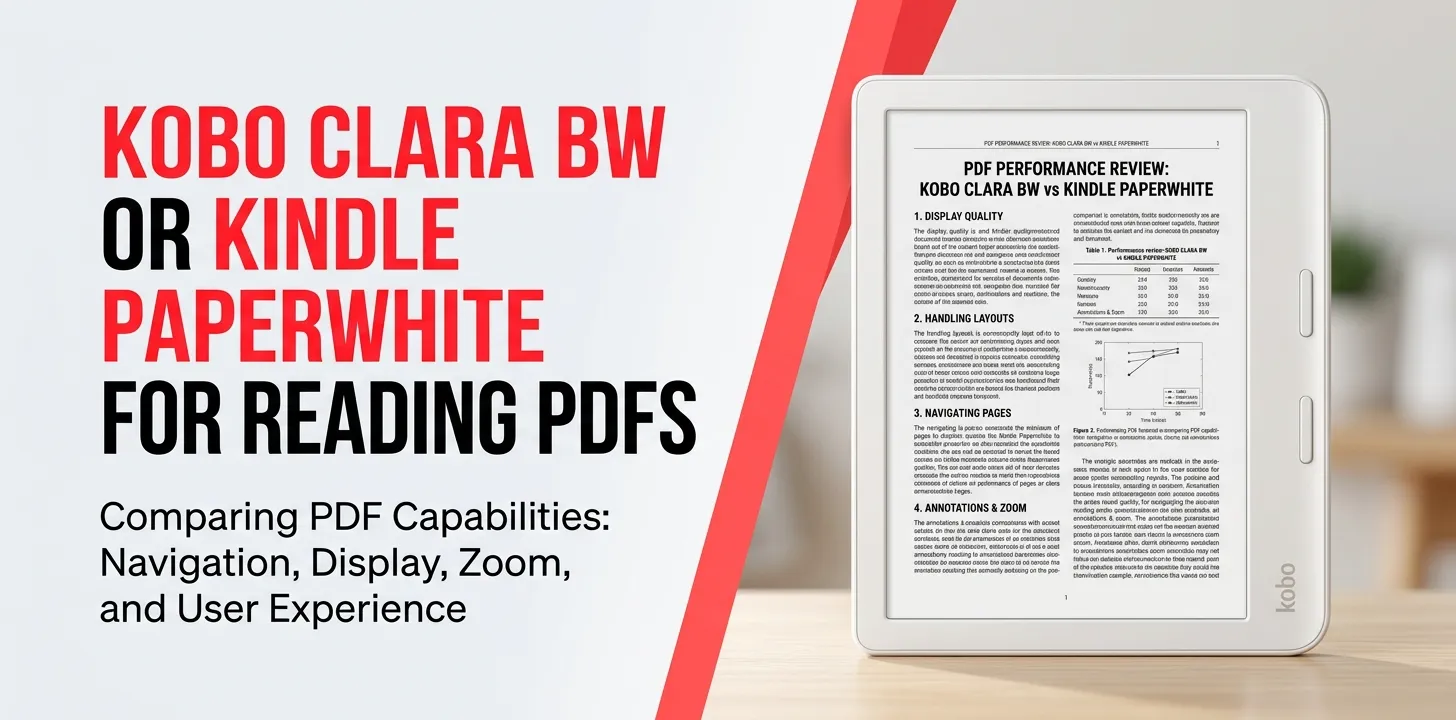
If PDF reading is your main reason for buying an e-reader, the Kindle Paperwhite is usually the better choice for larger, text-heavy PDFs, mainly because its 7-inch screen gives PDFs more room than the Kobo Clara BW’s 6-inch display. However, the Clara BW has a major advantage if you want broad native file-format support and prefer a more open approach to managing personal documents. Both devices can read PDFs, but neither is ideal for complex, full-size documents.
Kobo Clara BW vs. Kindle Paperwhite for PDFs
The biggest difference is screen size and how you plan to use your PDFs. The Kobo Clara BW has a 6-inch, 1448 × 1072 E Ink Carta 1300 display and natively supports PDF along with EPUB, MOBI, CBZ, CBR, and several other formats. The current 12th-generation Kindle Paperwhite has a larger 7-inch display, 16GB of storage, adjustable warm light, dark mode, and IPX8 waterproofing.
| Feature | Kobo Clara BW | Kindle Paperwhite 12th Gen |
|---|---|---|
| Screen | 6 inches | 7 inches |
| Display | E Ink Carta 1300 | E Ink |
| Resolution | 1448 × 1072 | 300 ppi |
| Storage | 16GB | 16GB |
| Native PDF support | Yes | Yes |
| EPUB support | Yes | Yes through Kindle’s document ecosystem |
| Warm light | Yes | Yes |
| Dark mode | Yes | Yes |
| Waterproofing | IPX8 | IPX8 |
| Main PDF advantage | Wide file-format support | Larger screen |
| Best for | Smaller PDFs and mixed formats | Regular PDF reading |
For ordinary books, novels, and mostly text-based PDFs, either device can work. For academic papers, manuals, magazines, textbooks, and PDFs with tables or multiple columns, the Paperwhite’s larger display becomes more useful.
Why the Kindle Paperwhite is better for most PDF readers
The Paperwhite’s 7-inch screen is the biggest reason I would choose it for PDFs.
A PDF normally preserves the original page layout. Unlike a typical reflowable ebook, the page does not simply reshape itself to fit a small e-reader screen. That means a PDF designed for US Letter or A4 paper can become difficult to read on a 6-inch display.
The extra inch on the Paperwhite does not turn it into a tablet, but it reduces how cramped a PDF page feels.
Amazon also supports sending PDFs to a Kindle through Send to Kindle. Amazon currently allows PDF files and several other document formats to be uploaded through its web service, apps, email, and other supported methods, with documents up to 200 MB per file through Send to Kindle.
That makes the Paperwhite particularly convenient if your PDF collection is already stored on a computer or phone.
Where the Paperwhite can struggle
A larger screen does not solve every PDF problem.
If your document contains:
- Tiny charts
- Detailed diagrams
- Two-column academic layouts
- Large tables
- Engineering drawings
- Full-page illustrations
- Complex mathematical notation
a 7-inch black-and-white E Ink reader can still feel restrictive.
For these documents, you may need to zoom or move around the page. A tablet or larger e-reader can be much more practical if these types of PDFs make up most of your reading.
Where the Kobo Clara BW makes more sense
The Kobo Clara BW is appealing if PDFs are only one part of a larger personal library.
Kobo officially lists PDF as one of the Clara BW’s supported formats, along with EPUB, EPUB3, FlePub, MOBI, JPEG, GIF, PNG, BMP, TIFF, TXT, HTML, RTF, CBZ, and CBR.
That broad native format support can be useful if you already have books, documents, comics, and other files in different formats.
The Clara BW is also smaller and lighter at 174 grams, compared with the larger Paperwhite design. Its 6-inch screen makes it easy to hold for long reading sessions, especially when your PDFs are simple and mostly text.
The Clara BW’s biggest PDF limitation
The same 6-inch size that makes the Clara BW portable also makes many PDFs harder to read.
Imagine downloading a university research paper formatted for standard US Letter pages. The entire page may technically fit on the screen, but the text can become too small to read comfortably.
You can zoom in, but then you may need to move around the page more often.
That’s fine for checking a document occasionally. It is less appealing if you plan to spend hours reading PDFs every week.
PDF type matters more than most buyers realize
Before choosing between these two e-readers, look at the PDFs you actually read.
Text-based PDFs
Examples include:
- Simple reports
- Short essays
- Government documents
- Plain-text books
- Basic manuals
Both readers can handle these reasonably well.
The Paperwhite gets the advantage if you read them frequently because of its larger screen.
Academic PDFs
Academic papers are more difficult because they often use two columns, footnotes, references, charts, and smaller fonts.
The Paperwhite is the better choice of these two, but neither should be considered a perfect academic-PDF machine.
If research papers are your primary reason for buying an e-reader, a larger screen may be worth considering instead.
Illustrated PDFs
Illustrated documents can work on both devices, but a monochrome 6- or 7-inch E Ink screen is not designed to replace a tablet for detailed visual documents.
If color matters, neither the Clara BW nor the standard Paperwhite is the obvious choice.
Comics and graphic documents
The Clara BW has native support for CBZ and CBR files in addition to PDF.
That makes it interesting for readers who have a mixed collection of comics and ebooks.
However, the 6-inch display still limits how comfortable detailed comic pages can be.
Sending PDFs to each device
Getting your files onto the reader is another important difference.
Kindle Paperwhite
Amazon’s Send to Kindle system lets you upload documents through the web, mobile apps, email, and supported desktop tools. PDF is one of the supported formats.
For someone who regularly downloads PDFs on a Windows PC or phone, this can be a simple workflow.
Amazon also supports USB-based file transfers, although its current guidance notes that 2024 Kindle models have specific requirements for USB transfers on Mac.
Kobo Clara BW
Kobo supports PDF directly and offers broad native file-format compatibility.
This is one reason Kobo can appeal to people who maintain their own digital library instead of relying mainly on one ebook store.
The difference is less about whether either device can read a PDF—they both can—and more about how you prefer to manage your files.
Which one is better for different PDF users?
| If you mainly… | Better choice |
|---|---|
| Read occasional PDFs | Kobo Clara BW |
| Read PDFs every week | Kindle Paperwhite |
| Read large, text-heavy PDFs | Kindle Paperwhite |
| Read academic papers | Kindle Paperwhite, but consider a larger screen |
| Read simple documents | Either |
| Have many different file formats | Kobo Clara BW |
| Want a smaller, lighter reader | Kobo Clara BW |
| Want the larger screen | Kindle Paperwhite |
| Mostly read Kindle ebooks and occasional PDFs | Kindle Paperwhite |
| Keep a personal collection of many file types | Kobo Clara BW |
Two real-world examples
Suppose you mostly read novels but sometimes download a 20-page PDF from work, school, or a website. The Kobo Clara BW is perfectly reasonable. Its PDF support means you don’t need a separate device just for occasional documents.
Now imagine you regularly read 40-page research papers with charts and two-column layouts. The Kindle Paperwhite is the better pick between these two, simply because the 7-inch display gives the page more room.
But there is an important catch: if those academic PDFs are your main reading material, I’d look beyond both devices and consider a larger-screen e-reader or tablet. A bigger display can make a much larger difference than choosing between these two models.
Kobo Clara BW or Kindle Paperwhite for reading PDFs: the verdict
For PDF reading specifically, I would choose the Kindle Paperwhite for most people. Its 7-inch screen is better suited to documents than the Clara BW’s 6-inch display, and Amazon provides a convenient Send to Kindle system for personal PDFs.
Choose the Kobo Clara BW instead if your PDF reading is occasional and you care more about broad native file-format support, a compact design, and managing a mixed personal ebook collection. Kobo officially supports PDF plus many other formats on the Clara BW.
The practical tip is simple: if PDFs are your main reason for buying an e-reader, don’t judge only by whether the device supports PDF. Look at the screen size and the type of PDFs you actually read. A device can support PDFs perfectly and still be frustrating for small-text, multi-column documents.
Frequently Asked Questions
Is the Kobo Clara BW good for PDF reading?
Yes, the Kobo Clara BW can read PDFs natively and supports many other file formats. Its main limitation is the 6-inch screen, which can make full-page PDFs with small text uncomfortable.
Is the Kindle Paperwhite better than Kobo Clara BW for academic PDFs?
Between these two, the Paperwhite is generally the better option because its 7-inch screen provides more space for PDF pages. However, readers who work with academic papers every day may prefer a larger-screen device.
Can you send PDFs directly to a Kindle Paperwhite?
Yes. Amazon’s Send to Kindle service supports PDF uploads through the web, supported apps, email, and other methods, and the documents can be added to your Kindle library.
Final recommendation
If your priority is reading PDFs, get the Kindle Paperwhite. If PDFs are only an occasional need and you want a compact e-reader with broad file-format support, the Kobo Clara BW is the more flexible alternative.
For heavy PDF work, though, neither 6-inch nor 7-inch E Ink is ideal. The more demanding your documents are, the more valuable a larger screen becomes.