Kobo Clara BW or Kindle Paperwhite for library books?

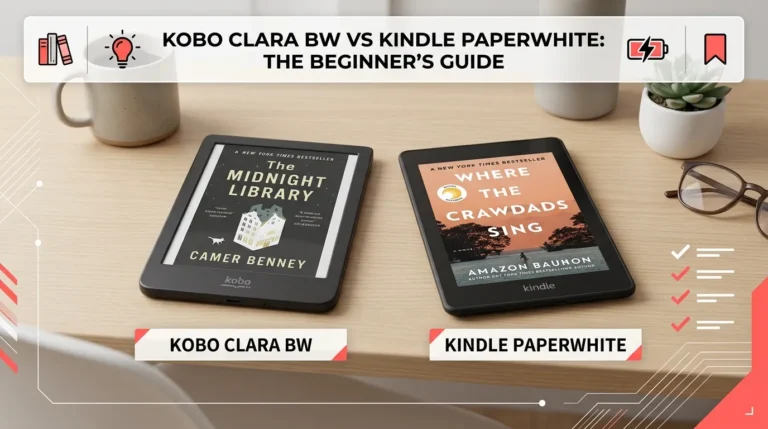
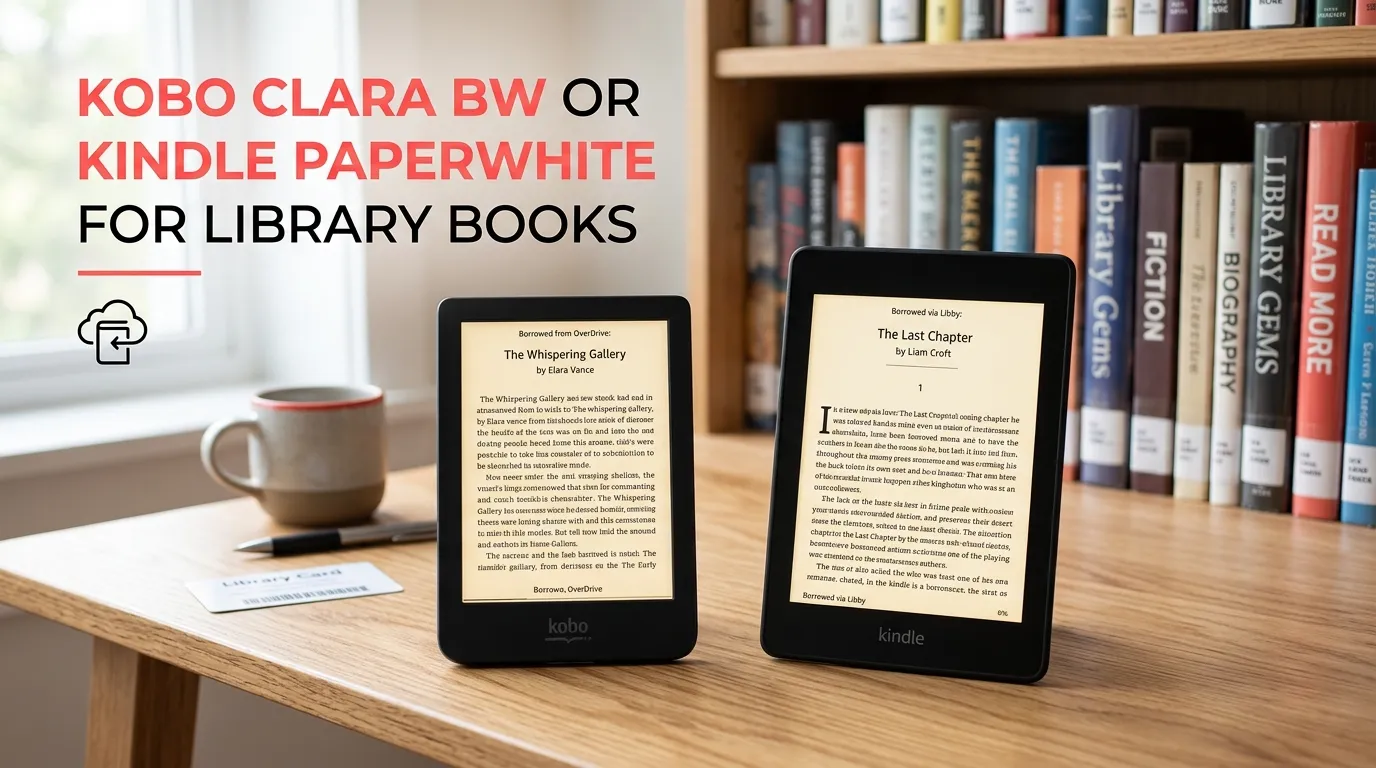
If borrowing public-library ebooks is your main reason for buying an e-reader, the Kobo Clara BW is usually the better fit in the U.S. Its built-in Libby/OverDrive support lets you browse, borrow, and read compatible library ebooks directly on the device. The Kindle Paperwhite also works very well with Libby, but library books generally have to be sent from Libby through Amazon before they appear on the Kindle.
For most U.S. library users, the choice comes down to simplicity versus screen size. Kobo makes the borrowing process more direct, while the Paperwhite gives you a larger 7-inch screen and a very polished reading experience.
| Feature | Kobo Clara BW | Kindle Paperwhite |
|---|---|---|
| Library ebook support | Built-in Libby/OverDrive | Libby → Amazon → Kindle |
| Direct library browsing | Yes | No |
| Library availability | U.S. supported | U.S. only for Kindle delivery |
| Screen | 6-inch E Ink | 7-inch E Ink |
| Storage | 16GB | 16GB |
| Waterproof | Yes | Yes |
| Warm light | Yes | Yes |
| Best for | Frequent library borrowers | Library + Amazon readers |
The biggest difference: how library books work
The most important difference isn’t screen size or storage. It’s the way each device handles library loans.
Kobo Clara BW: library borrowing is built in
The Clara BW supports Kobo’s built-in OverDrive/Libby feature in the United States. You can sign in with your library card, find your library, browse available ebooks, borrow titles, and place holds directly from the e-reader.
That makes the Clara BW particularly appealing if your e-reader will be used mainly as a library-reading device.
You can also use Libby on your phone or tablet and then sync compatible loans to the Kobo. However, not every Libby ebook will necessarily work with Kobo. Kobo says some library titles may not be available through its catalog, and compatibility can depend on the exact ebook edition.
Kindle Paperwhite: excellent, but with an extra step
The Kindle Paperwhite supports library ebooks through Libby in the United States. After borrowing a compatible title in Libby, you choose Read With → Kindle, then complete the process through Amazon. The book is delivered to the Kindle devices associated with your Amazon account.
So the process is roughly:
Libby → Borrow → Read With Kindle → Amazon → Kindle Paperwhite
That isn’t difficult, but it is less direct than the Kobo approach.
Libby’s current help documentation says that most Libby books can be read on a Kindle e-reader in the U.S., rather than every single title.
Which is easier for borrowing library books?
Kobo Clara BW wins for simplicity.
If you frequently borrow ebooks, being able to handle much of the process directly from the Clara BW is a real advantage.
For example, imagine you visit your library’s Libby catalog several times a week. With the Kobo, you can browse and borrow from the e-reader itself. You don’t have to pick up your phone every time you want to check out another compatible title.
With the Kindle Paperwhite, you will normally use Libby on your phone or another device to borrow the book and then send it through Amazon.
Neither approach is bad. The difference is mainly how many steps you want between finding a book and reading it.
What if your library has a book that isn’t available on Kobo?
This is one area where you should be careful before assuming Kobo will work with every title in your library.
Kobo explains that not all ebooks in a public library’s collection are available through Kobo. For some titles, Kobo’s synchronization depends on finding a matching edition in its catalog. If the required edition isn’t available, the borrowed book may not sync normally.
Libby also notes that not all ebooks are compatible with Kobo devices.
The practical lesson is simple: check your library’s Libby catalog before buying, especially if there are particular books you already know you want to borrow.
What about the Kindle Paperwhite’s screen?
The Paperwhite has an advantage if you prefer a larger reading area.
The current 12th-generation Kindle Paperwhite has a 7-inch display, while the Clara BW has a 6-inch screen. Amazon lists the Paperwhite with 16GB of storage, waterproofing, warm light, and up to 12 weeks of battery life under its stated conditions.
Kobo lists the Clara BW with a 6-inch E Ink Carta 1300 HD display, 16GB of storage, ComfortLight PRO, and waterproof construction.
The difference is noticeable when reading long books.
A 6-inch reader is smaller and easier to carry. A 7-inch reader gives text more room on the page, which some readers may prefer for longer reading sessions.
Kobo Clara BW vs Kindle Paperwhite for library books: which should you buy?
Choose the Kobo Clara BW if you mostly borrow from libraries
The Clara BW makes the most sense when your reading routine looks like this:
- You have a U.S. public library card.
- You use Libby regularly.
- Most of your reading comes from library ebooks.
- You want built-in library borrowing.
- You prefer a smaller, lighter e-reader.
- You don’t want to depend on Amazon for every library loan.
Its built-in Libby/OverDrive support is the main reason to choose it.
Choose the Kindle Paperwhite if you want library books plus Amazon
The Paperwhite is a stronger choice if you expect to mix library borrowing with books from the Kindle ecosystem.
It gives you a larger 7-inch screen, 16GB of storage, waterproofing, warm lighting, and access to the Kindle Store.
The extra Libby-to-Amazon step may not bother you if you’re already comfortable using Amazon and Libby together.
A real-world example: two different readers
Reader A borrows four or five books a month from the public library and rarely buys ebooks. For this person, the Kobo Clara BW is probably the better match because library borrowing is a central part of the device experience.
Reader B borrows a couple of library books but also buys Kindle books regularly. This reader may prefer the Kindle Paperwhite, especially if the larger screen is more important than having built-in library browsing.
The right choice isn’t simply “which e-reader is better?” It’s which borrowing workflow fits your habits better.
Are both good for reading library ebooks offline?
Yes. Once a compatible library ebook has been borrowed and downloaded, you can read it on the e-reader without constantly staying connected to Wi-Fi. Libby explains that loans can be downloaded for offline use, while Kobo supports syncing borrowed books to compatible devices.
Your loan still follows the library’s borrowing period. When the loan expires, you won’t keep permanent access to the ebook simply because it was downloaded.
What about library audiobooks?
If library audiobooks are a major part of your plan, neither device should be chosen solely because of Libby audiobook support.
Kobo’s documentation specifically says its built-in Libby support is for ebooks, not Libby audiobooks. Kobo Clara BW can play Kobo audiobooks, but that is different from borrowing audiobooks through Libby.
Libby supports audiobooks in its app, so a phone or tablet may be the more useful device for your library audiobook collection.
What should you check before buying?
Before choosing either reader, check your own library rather than assuming every library has the same ebook collection.
Open Libby and check several books you expect to borrow. Look at whether those titles are available as ebooks and, if you’re leaning toward Kindle or Kobo, confirm that the format works with your preferred device.
This matters because library catalogs vary, and a title being available through Libby does not automatically mean it will work identically on every e-reader.
Frequently asked questions
Is Kobo Clara BW better than Kindle Paperwhite for library books?
For U.S. library borrowing, the Clara BW has the simpler workflow because it has built-in OverDrive/Libby support. The Kindle Paperwhite is also excellent, but compatible books are normally sent from Libby through Amazon before they appear on the Kindle.
Can I use Libby directly on the Kobo Clara BW?
Yes. Kobo lists the Clara BW among the e-readers with built-in Libby/OverDrive support in the United States. You can sign in with your library information and borrow compatible ebooks from the device.
Can I read Libby books on a Kindle Paperwhite?
Yes, in the United States, most Libby ebooks can be sent to a Kindle e-reader. You borrow the title in Libby, select Kindle as the reading option, and complete the delivery through Amazon.
The bottom line
If library books are your top priority, I’d pick the Kobo Clara BW. Its built-in Libby support makes borrowing more direct, and its compact 6-inch design is well suited to carrying around.
Pick the Kindle Paperwhite instead if you want a larger 7-inch screen and expect to combine library borrowing with regular Kindle purchases.
One practical tip: check a few of your favorite titles in your library’s Libby catalog before buying. Library ebook compatibility can vary by title and edition, and that check can prevent an unpleasant surprise later.