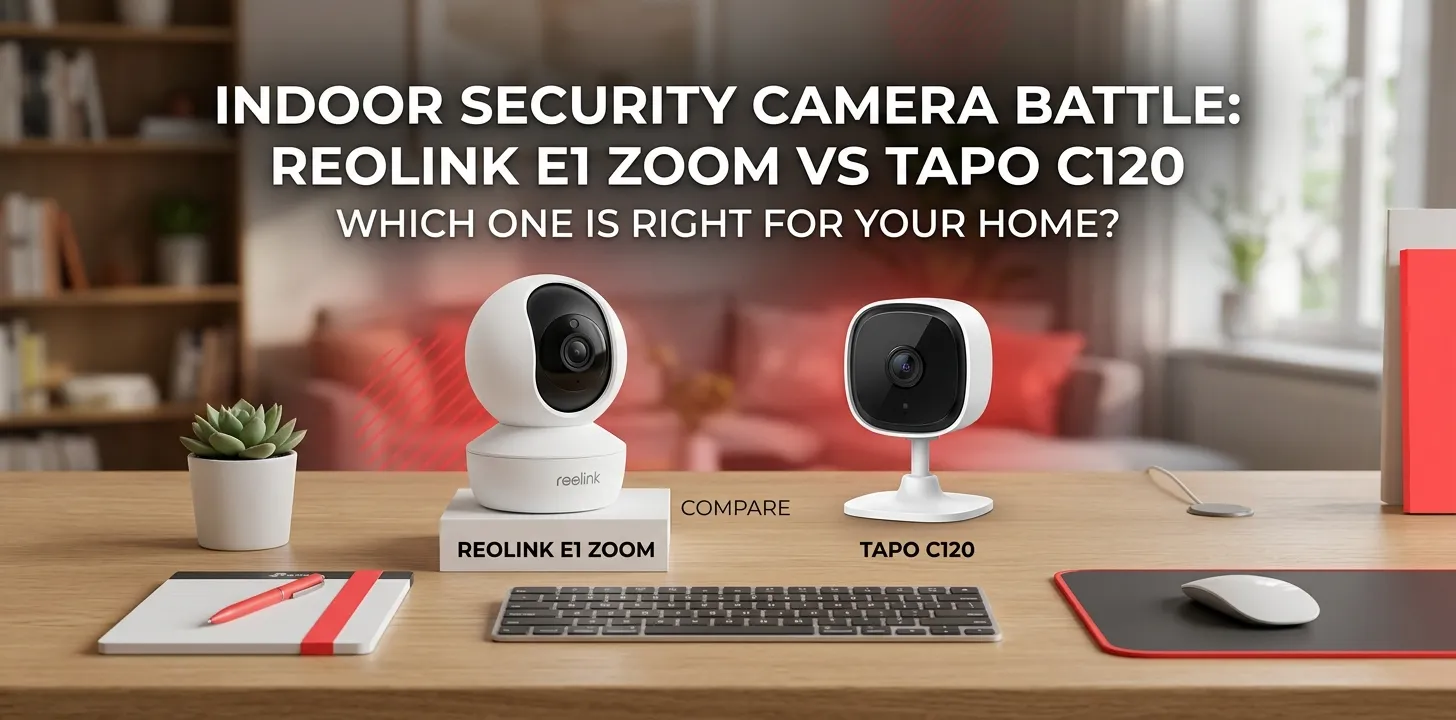
Reolink E1 Zoom or Tapo C120 for indoor security?

If your main goal is indoor security, the Reolink E1 Zoom is the better choice when you need pan/tilt coverage, optical zoom, and dual-band Wi-Fi. The Tapo C120 is the better value if you want a lower-cost camera with a wide fixed view, stronger color night vision, AI detection, and the option to use it outdoors too.
The two cameras take different approaches. The E1 Zoom is built around a movable lens and zoom capability, while the C120 focuses on a wide viewing angle, low-light performance, smart detection, and flexible placement.
| Feature | Reolink E1 Zoom | Tapo C120 |
|---|---|---|
| Video resolution | 5MP, 2560 × 1920 | 4MP 2K QHD, 2560 × 1440 |
| Pan/tilt | 355° / 50° | Fixed camera |
| Zoom | 3× optical | 12× digital |
| Auto tracking | Yes | No PT movement |
| Wi-Fi | 2.4/5 GHz | 2.4 GHz |
| Night vision | IR, up to 40 ft | IR + full-color night vision |
| Local storage | microSD, up to 512GB on current model | microSD, up to 512GB |
| Smart detection | Person, pet, motion | Person, pet, vehicle, baby crying and more |
| Outdoor use | No | Yes, IP66 |
| Two-way audio | Yes | Yes |
| Current listed US price | $109.99 | $34.99 sale price at time of research |
Specifications and current listed pricing can change, so check the manufacturer’s page before buying. Reolink currently lists the E1 Zoom at $109.99, while TP-Link’s US page lists the C120 at $34.99 on the page reviewed for this comparison.
The biggest difference: movable coverage vs. wide fixed coverage
The E1 Zoom’s main advantage is that the camera itself can move. It supports up to 355° of horizontal pan and 50° of vertical tilt, along with 3× optical zoom and auto tracking. That makes it useful when one camera needs to watch different parts of a room.
The C120 takes the opposite approach. Its lens has a 120° diagonal field of view and a 103° horizontal field of view, so it can cover a broad area without mechanically moving.
That difference matters more than the megapixel numbers for many indoor setups.
For example, imagine placing a camera in a living room facing toward the center of the house. With the E1 Zoom, you can move the camera toward a doorway, then toward another part of the room. With the C120, you get a broad view of the area in front of the camera but cannot turn the lens toward another direction.
For one camera covering multiple directions, choose the E1 Zoom.
For a simple, wide view of one area, the C120 makes more sense.
Video quality: E1 Zoom has the edge on resolution
The Reolink E1 Zoom currently uses a 5MP sensor and produces a 2560 × 1920 image. It also has a variable 2.8–8mm autofocus lens and 3× optical zoom.
The Tapo C120 records at 2560 × 1440, or 2K QHD, using a 4MP sensor. Its lens has a wide 120° diagonal field of view.
In daylight, both are capable of producing useful security footage. But the E1 Zoom has two advantages when you need to inspect something farther away:
- Higher listed resolution
- Real optical zoom
Optical zoom is especially useful because it changes the lens’s magnification rather than simply enlarging pixels digitally.
The C120 does offer up to 12× digital zoom, but digital zoom is not equivalent to optical zoom. Enlarging a section of an image cannot create the same level of detail as getting closer optically.
Night vision: Tapo C120 is the more interesting choice
This is one area where the C120 stands out.
The camera has a starlight sensor and built-in spotlights that allow it to produce full-color night vision. It also supports both 850nm and 940nm infrared illumination, with night-vision range listed at about 30 feet.
The E1 Zoom uses infrared night vision with a listed range of up to about 40 feet.
So the choice depends on what you want at night.
If you mainly need to know what is happening in a dark room, traditional IR night vision is fine.
If seeing color and more visual detail in low light matters to you, the C120’s color night vision and spotlights give it an advantage.
For a baby’s room or bedroom, the C120 also has a 940nm invisible IR mode designed for less noticeable nighttime illumination.
Smart detection: Tapo offers more detection types
Both cameras can help reduce unnecessary motion alerts, but their detection features are not identical.
The current E1 Zoom listing supports motion, person, and pet detection, along with auto tracking.
The C120 goes further with detection for:
- People
- Pets
- Vehicles
- Baby crying
- Meowing
- Barking
- Glass breaking
- Line crossing
- General motion
It also supports activity zones.
That makes the Tapo particularly attractive for households that want more specific alerts.
For example, if you have a cat walking around the living room, pet detection can be more useful than receiving a generic motion alert every time the cat passes the camera.
Storage and subscriptions
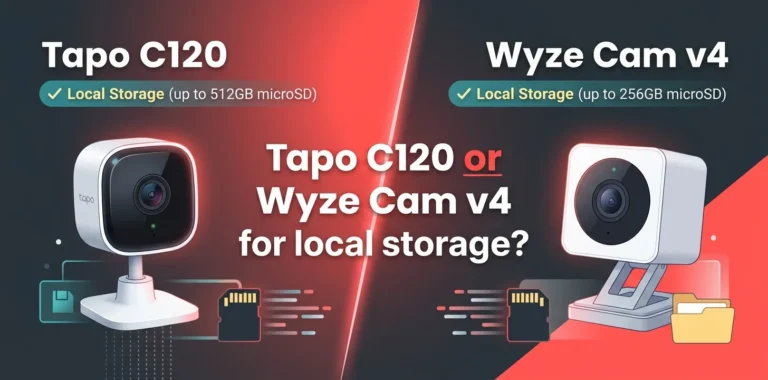
Both cameras support local microSD recording, which is important if you want to avoid depending entirely on cloud storage.
The current E1 Zoom specification lists support for a microSD card up to 512GB. Reolink also supports recording modes such as motion-triggered, scheduled, and continuous recording.
The C120 also supports microSD cards up to 512GB. TP-Link says a 512GB card can hold up to about 680 hours of 2K footage under its stated conditions. Tapo also offers cloud storage through Tapo Care, which requires a subscription.
For someone who wants local recording without paying for a cloud plan, either camera can work well.
One practical point: the microSD card is an additional purchase, so include that cost when comparing the total setup price.
Wi-Fi matters more than you might expect
The E1 Zoom supports both 2.4GHz and 5GHz Wi-Fi.
The C120 is a 2.4GHz-only Wi-Fi camera. TP-Link specifically states that it does not have an Ethernet port.
That gives the E1 Zoom an advantage in homes with a busy 2.4GHz network.
The 2.4GHz band generally travels farther through walls, while 5GHz can provide higher wireless performance over shorter distances. If your camera is close to your router and your 2.4GHz network is not crowded, the C120’s Wi-Fi limitation may not matter much.
But in a larger home or a network with many smart-home devices, dual-band support is useful.
Which camera is easier to place?
The C120 is unusually flexible for its price because it can be used indoors or outdoors and has an IP66 weather-resistance rating. Its magnetic base and long 9.8-foot power cable also make placement easier.
For indoor security, that outdoor rating may sound unnecessary. But it can still be useful if you later decide to move the camera to a covered outdoor location.
The E1 Zoom is designed for indoor use and is not waterproof.
So if you’re buying a camera specifically for a living room, bedroom, office, or nursery, the E1 Zoom’s lack of weather resistance is not a major problem. If you want one camera that could potentially serve both indoor and outdoor roles, the C120 is more flexible.
Which is better for apartments?
For many apartment owners, the Tapo C120 is the better value.
Its wide viewing angle can cover a large section of a room, and its compact design makes it easy to place on a shelf or mount. The low purchase price also makes it easier to put multiple cameras in different rooms.
But there is one situation where the E1 Zoom becomes more attractive: when you want one camera to cover several directions.
Suppose your apartment has an open living room connected to a hallway. A fixed camera may cover the living room well but leave the hallway partly outside its view. A pan-and-tilt camera can be repositioned remotely.
In that situation, paying more for the E1 Zoom can make sense.
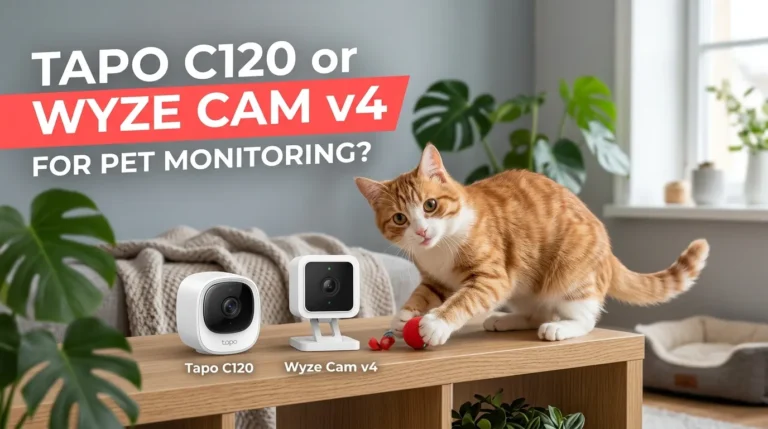
Which is better for pets?
Both are capable pet-monitoring cameras, but the better choice depends on how your pet moves around the home.
The C120 has dedicated pet detection and a wide field of view, which is useful for monitoring an area where your pet spends most of its time.
The E1 Zoom adds pan, tilt, and auto tracking. That can be more useful when a pet regularly moves around a larger room.
Choose the C120 for affordable, wide-area pet monitoring. Choose the E1 Zoom when following a moving pet is more important.
Which is better for a baby’s room?
The C120 has several features that make it appealing for a nursery, including baby-cry detection, 940nm invisible IR night vision, two-way audio, and a wide field of view.
The E1 Zoom can also work well when you want to remotely reposition the camera or zoom in on part of the room.
For a typical nursery where the crib is the main viewing area, the C120 is likely the more practical choice.
If you want to move the camera between the crib, doorway, and another part of the room, the E1 Zoom’s PTZ design becomes more useful.
Which one is better for privacy?
Both cameras can record inside your home, so privacy should be considered before installation.
A useful approach is to:
- Put cameras only in areas where monitoring is appropriate.
- Use activity or privacy zones where available.
- Use strong, unique account passwords.
- Keep the camera firmware and app updated.
- Use your home’s secured Wi-Fi network.
- Avoid pointing cameras toward private areas unnecessarily.
The C120 includes customizable block zones, while Tapo also provides activity zones for detection.
The E1 Zoom provides local storage and supports secure network protocols, but its ability to physically move means you should pay attention to where the lens can point when positioning it.
Price changes the comparison
At the time of this comparison, TP-Link’s US site listed the Tapo C120 at $34.99 on sale, compared with a regular listed price of $39.99. Reolink’s US store listed the E1 Zoom at $109.99.
That’s a substantial difference.
The E1 Zoom needs to justify its higher price through features such as:
- 3× optical zoom
- Pan and tilt
- Auto tracking
- 5MP resolution
- 2.4GHz/5GHz Wi-Fi
The C120 counters with:
- Much lower cost
- Wide-angle coverage
- Color night vision
- More detection types
- 512GB local storage support
- Indoor/outdoor flexibility
So this isn’t simply a question of which camera has more features. It’s about which features you will actually use.
Reolink E1 Zoom vs Tapo C120: Which should you buy?
Buy the Reolink E1 Zoom if:
- You want pan and tilt.
- You need 3× optical zoom.
- You want auto tracking.
- You prefer dual-band Wi-Fi.
- You want one camera to monitor multiple directions.
- You value higher listed resolution.
Buy the Tapo C120 if:
- You want to spend as little as possible.
- You want a wide fixed view.
- Color night vision matters to you.
- You want more types of smart detection.
- You want indoor/outdoor flexibility.
- You are monitoring a baby, pet, or single room.
- You want a compact camera for multiple rooms.
For most buyers looking for basic indoor security at the lowest cost, the Tapo C120 is the smarter value.
For someone who specifically wants PTZ movement, optical zoom, and auto tracking, the Reolink E1 Zoom is worth the extra money.
Frequently asked questions
Does the Reolink E1 Zoom have better image quality than the Tapo C120?
The E1 Zoom has a higher listed resolution at 5MP versus 4MP on the C120, and it adds 3× optical zoom. The C120, however, has a wider fixed view and stronger low-light features, so higher resolution does not automatically make it better for every room.
Can the Tapo C120 replace a pan-and-tilt camera?
It can replace one if you only need to monitor a broad, fixed area. It cannot physically turn toward another part of the room, so the E1 Zoom is better when remote pan, tilt, or auto tracking is a key requirement.
Is the Tapo C120 worth buying for indoor security?
Yes, especially if price and practical features matter more than PTZ movement. Its 2K video, wide field of view, color night vision, AI detection, local storage, and low current US price make it a strong budget option.
Final verdict
For indoor security on a budget, choose the Tapo C120. It gives you a wide view, strong nighttime performance, useful AI detection, local storage, and indoor/outdoor flexibility without the much higher price.
Choose the Reolink E1 Zoom when your priority is control: pan, tilt, 3× optical zoom, auto tracking, and dual-band Wi-Fi.
The practical expert tip is simple: don’t pay extra for PTZ and optical zoom unless you have a room where those features solve a real coverage problem. For a single fixed viewing area, the C120’s lower price and wider-angle design are hard to ignore.