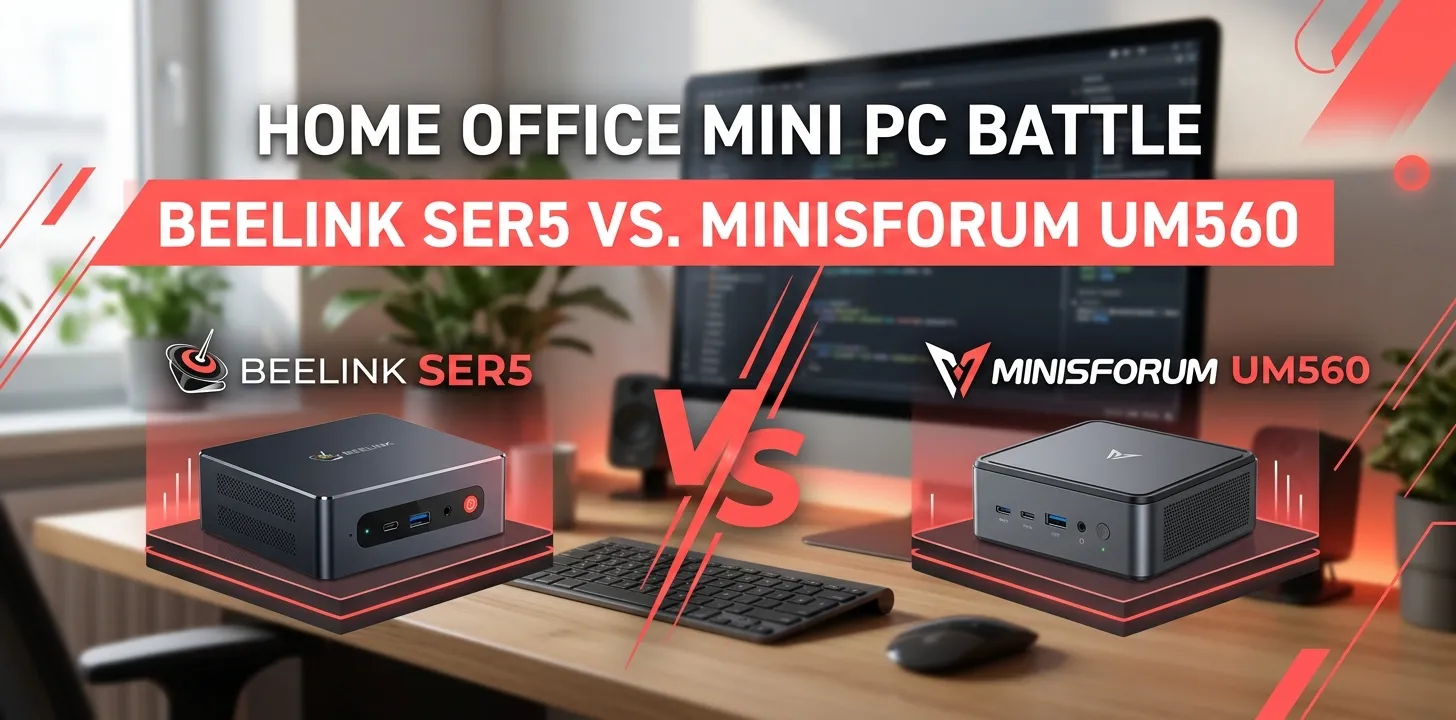
Beelink SER5 or Minisforum UM560 for home office?

If you’re choosing between the Beelink SER5 with Ryzen 5 5560U and the Minisforum UM560 with Ryzen 5 5625U, the UM560 is the stronger home-office choice when prices are close. It has a slightly newer Zen 3 processor, Radeon graphics with more compute units, 2.5Gbps Ethernet, and unusually flexible multi-monitor support. The SER5 still makes sense if you find it substantially cheaper.
For basic office work, though, both are more than capable. The bigger question is which one fits your desk setup and workload better.
| Feature | Beelink SER5 | Minisforum UM560 |
|---|---|---|
| Processor | Ryzen 5 5560U | Ryzen 5 5625U |
| CPU | 6 cores / 12 threads | 6 cores / 12 threads |
| CPU architecture | Zen 3 | Zen 3 |
| Maximum clock | Up to 4.0 GHz | Up to 4.3 GHz |
| Integrated graphics | Radeon Vega 6 | Radeon graphics, 1800 MHz |
| RAM | DDR4, upgradeable | DDR4, up to 64GB |
| Storage | M.2 SSD + expansion depending on configuration | M.2 PCIe 3.0 + 2.5-inch SATA |
| Ethernet | Gigabit on tested SER5 configuration | 2.5Gbps |
| Multi-monitor support | Good | Up to four displays |
| Best for | Budget home office | Multi-monitor and heavier multitasking |
The exact SER5 configuration can vary by seller, so check the listing before buying. Notebookcheck’s tested SER5, for example, used 16GB RAM, a 1TB SSD, Gigabit Ethernet, Wi-Fi 6, and multiple display outputs.
Where the UM560 has the advantage
The Minisforum UM560 uses AMD’s Ryzen 5 5625U, a 6-core/12-thread Zen 3 chip that boosts to 4.3GHz. Minisforum also lists dual DDR4 SODIMM slots with support for up to 64GB and a PCIe 3.0 M.2 SSD slot plus a 2.5-inch SATA expansion bay.
The SER5’s Ryzen 5 5560U is also a 6-core/12-thread Zen 3 processor, but its maximum boost is 4.0GHz. In Notebookcheck testing, the 5560U delivered performance suitable for everyday productivity and compared reasonably well with chips such as Intel’s Core i5-1235U.
For normal Word documents, web browsing, email, spreadsheets, and video calls, you probably won’t feel a dramatic difference.
But the UM560 has an advantage when your workload gets heavier.
Everyday office work
Both systems are well suited to:
- Microsoft Word and Excel
- Google Docs and Sheets
- Web browsing
- Zoom and Microsoft Teams
- Streaming video
- Remote desktop
- Basic photo editing
- Light programming
- Multiple browser tabs
The SER5 has been independently tested as a capable office machine, and recent testing still describes the Ryzen 5 5560U model as suitable for office work, browsing, programming, media playback, and remote work.
For a typical home-office user, spending much more simply to get a small CPU advantage may not be worthwhile.
Heavy multitasking
This is where the UM560 becomes more attractive.
Imagine a typical work session with:
- 20+ browser tabs
- Excel
- Slack or Teams
- Spotify
- OneDrive
- A PDF reader
- A video call
Both mini PCs can handle this kind of workload with enough RAM. But choosing a 16GB or 32GB configuration is more important than obsessing over the small difference between these two processors.
The UM560’s support for up to 64GB of DDR4 gives it plenty of room if your needs grow.
The biggest UM560 advantage: connectivity
For a home office, the UM560’s ports may matter more than its processor.
Minisforum lists 2.5Gbps Ethernet, two HDMI outputs, and USB-C display capability. The company says the UM560 can drive up to four displays using its HDMI and USB-C outputs.
That is useful if you work with several screens.
For example, a hypothetical home-office setup could use:
- One monitor for email and communication
- One for a browser
- One for spreadsheets
- One for a specialized work application
Most people don’t need four monitors, but even two monitors can make a noticeable difference for office work.
The UM560 also has a 2.5Gbps Ethernet connection, which is useful if your home network supports speeds above traditional gigabit Ethernet.
When the Beelink SER5 makes more sense
The SER5 becomes the smarter purchase when the price difference is significant.
Its Ryzen 5 5560U remains a capable six-core Zen 3 processor. Notebookcheck found that its performance was close to the newer Ryzen 5 7530U in many workloads, showing that the chip has not suddenly become unsuitable for everyday computing just because newer processors exist.
A discounted SER5 can therefore be a very sensible home-office PC.
Consider the SER5 if you mainly:
- Browse the web
- Work in Microsoft Office
- Use Google Workspace
- Join video meetings
- Manage email
- Stream 1080p or 4K video
- Use remote-desktop software
- Do light programming
- Want a small, inexpensive Windows desktop
You don’t need a high-end CPU for these tasks.
Which one is better for dual monitors?
Minisforum UM560.
The UM560 has two HDMI outputs plus USB-C display capability. Minisforum specifically lists support for up to four 4K displays at 60Hz using the available HDMI and USB-C display outputs.
That makes it particularly interesting for people who work from home and want a compact workstation.
The SER5 can also support multiple displays, but its exact configuration varies. Notebookcheck’s tested unit had HDMI and two DisplayPort outputs.
If your monitor setup depends on specific ports, check the exact model and revision before ordering.
Which one is better for video calls?
For video calls, neither has a major built-in advantage simply because of the CPU.
Your webcam, microphone, internet connection, and video-call software will have a larger impact on the experience.
Both processors have enough CPU performance for ordinary Zoom, Teams, and Google Meet use. The UM560’s connectivity can still be useful if you have several peripherals connected to your desk.
A practical setup might be a USB webcam, USB microphone, keyboard, mouse, and two monitors. In that situation, port placement and the number of high-speed USB connections may matter more than a small CPU performance difference.
Which one is better for storage expansion?
The UM560 has a clear advantage on paper.
Minisforum lists:
- One M.2 2280 PCIe 3.0 SSD slot
- One 2.5-inch SATA drive bay
- Two SODIMM memory slots
It supports up to 64GB of DDR4 memory.
That gives you a straightforward path to adding more storage later.
The SER5 also offers upgradeable components, and reviews have documented access to its internal storage and memory. However, the exact configuration can differ between SER5 variants and retail packages.
If you’re buying specifically because you expect your files, photos, or work projects to grow, check the internal expansion options of the exact unit you’re purchasing.
Which one is quieter for a home office?
Both are designed as compact, low-power mini PCs rather than high-performance desktop towers.
Independent testing of the SER5 5560U found it capable of maintaining good performance while keeping noise under control, and another review described it as a quiet, efficient budget mini PC.
The UM560 also uses a low-power U-series Ryzen processor, so it isn’t designed like a high-wattage gaming mini PC.
Still, fan noise depends on the workload, room temperature, BIOS settings, and the condition of the particular unit. Don’t assume either machine will be completely silent.
What about Windows and setup?
Both are aimed at Windows-based desktop use.
The UM560 was sold with Windows configurations, while the SER5 tested by Notebookcheck shipped with Windows 11 Pro.
For a home office, that means you can use familiar software without adapting to a different operating system.
Before buying, however, confirm whether the exact listing includes Windows, because mini PCs can be sold in different memory, storage, and operating-system configurations.
A realistic home-office buying decision
Consider two hypothetical buyers.
Buyer 1: You mostly use Microsoft 365, Chrome, email, Zoom, and a couple of monitors. You find a SER5 for considerably less than the UM560.
The SER5 is probably the better value. You won’t gain much from paying extra for CPU performance you rarely use.
Buyer 2: You regularly run many applications, want faster wired networking, need several displays, and expect to upgrade the RAM or storage later.
The UM560 is the better fit because its connectivity and expansion options are more attractive for that type of workstation.
Beelink SER5 or Minisforum UM560: which should you buy?
For most home-office buyers, I’d choose the Minisforum UM560 if the two are priced similarly.
Its Ryzen 5 5625U is slightly faster on paper, while its 2.5Gbps Ethernet, flexible USB-C display connectivity, four-display capability, and 64GB memory support give it more room for a demanding workstation.
But the Beelink SER5 becomes the better value when heavily discounted. Its Ryzen 5 5560U is still a capable six-core Zen 3 processor, and independent testing shows it remains well suited to everyday productivity.
| Your priority | Better choice |
|---|---|
| Lowest price | SER5 |
| General office work | Either |
| Heavy multitasking | UM560 |
| Multiple monitors | UM560 |
| 2.5Gbps wired networking | UM560 |
| RAM expansion | UM560 |
| Storage expansion | UM560 |
| Basic Microsoft 365 work | SER5 |
| Long-term workstation flexibility | UM560 |
| Best choice at equal pricing | UM560 |
The important point is not to buy based on the Ryzen model number alone. For a home office, RAM capacity, monitor support, networking, storage expansion, and the actual sale price can matter more than a modest CPU difference.
Frequently asked questions
Is the Minisforum UM560 faster than the Beelink SER5?
Yes, the UM560’s Ryzen 5 5625U has a higher maximum boost clock and uses Radeon graphics with a higher listed graphics frequency. Both are six-core/12-thread Zen 3 processors, so the difference is meaningful but not dramatic for basic office work.
Is the Beelink SER5 good enough for working from home?
Yes. The Ryzen 5 5560U has enough performance for common home-office tasks such as web browsing, Microsoft Office, email, video meetings, and multitasking. Independent testing has also found the SER5 well suited to everyday productivity and remote work.
Should I buy the UM560 if I only use one monitor?
Not necessarily. If you’re using one monitor and doing basic office work, a discounted SER5 can provide excellent value. Choose the UM560 when its extra connectivity, 2.5Gbps networking, expansion potential, or stronger processor better matches your needs.
Final verdict
Choose the Minisforum UM560 for a more flexible home-office workstation. Choose the Beelink SER5 when you can get it substantially cheaper.
If both are sitting on your shopping list at nearly the same price, the UM560 is the easier recommendation because its Ryzen 5 5625U, 2.5Gbps Ethernet, multi-monitor support, and upgrade options give you more flexibility.
One practical tip: compare the exact RAM and SSD configuration before comparing prices. A 32GB/1TB mini PC can be a much better home-office purchase than a cheaper 16GB/500GB model, even when the CPU is identical.