
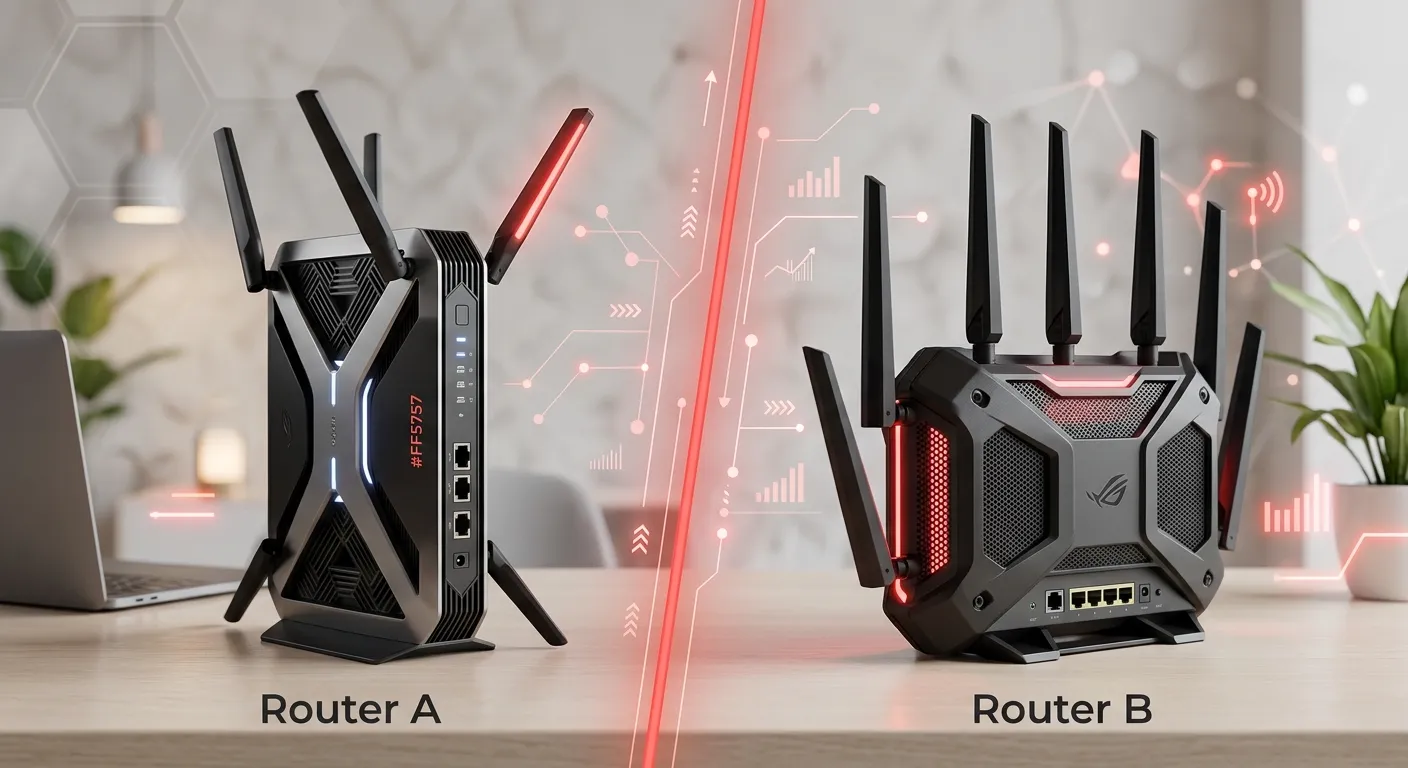
GL.iNet Flint 2 or ASUS RT-AX86U for home VPN?

For a home VPN, the GL.iNet Flint 2 is the better choice for most people who want fast, flexible whole-home VPN routing. It supports WireGuard and OpenVPN, offers up to 900 Mbps WireGuard client throughput according to GL.iNet, and uses an OpenWrt-based system built around VPN and network-control features. The ASUS RT-AX86U is still a strong Wi-Fi 6 router, especially if you value ASUS features, AiMesh, gaming controls, and a more familiar mainstream interface.
The key difference is simple: Flint 2 is more VPN-focused, while the RT-AX86U is more of an all-around home and gaming router that also has strong VPN support.
Flint 2 vs. RT-AX86U: What Actually Matters for VPN Use
Both routers can run a VPN at the router level rather than requiring a VPN app on every device. That matters if you want to protect devices such as smart TVs, game consoles, streaming boxes, or other devices that may not support VPN apps directly.
| Feature | GL.iNet Flint 2 | ASUS RT-AX86U |
|---|---|---|
| Wi-Fi standard | Wi-Fi 6 | Wi-Fi 6 |
| 2.4GHz maximum | 1,148 Mbps | 861 Mbps |
| 5GHz maximum | 4,804 Mbps | 4,804 Mbps |
| WireGuard client | Yes | Yes |
| OpenVPN client | Yes | Yes |
| VPN server | Yes | Yes |
| VPN-focused firmware | Yes, OpenWrt-based | ASUSWRT |
| Ethernet | 2 × 2.5GbE + 4 × 1GbE | 1 × 2.5GbE + 4 × 1GbE |
| Multi-WAN | Yes | Yes |
| AiMesh | No | Yes |
| AdGuard Home | Built in | No equivalent built-in feature |
| Best fit | Whole-home VPN and network control | General home/gaming use with VPN |
The Flint 2 has a quad-core 2.0GHz MediaTek processor, 1GB of RAM, two 2.5GbE ports, and 8GB of eMMC storage. The RT-AX86U uses a 1.8GHz quad-core processor and has a single 2.5GbE port.
For a VPN-first setup, those differences matter more than the headline AX rating.
GL.iNet Flint 2 Is Better for a VPN-First Home
The Flint 2 was designed with VPN use much closer to the center of its feature set.
It supports WireGuard, OpenVPN, and Tor, and can operate as either a VPN client or VPN server. GL.iNet also provides setup documentation for both WireGuard and OpenVPN.
Its biggest advantage is performance. GL.iNet rates the Flint 2 at up to 900 Mbps for WireGuard and up to 880 Mbps for OpenVPN when DCO is supported. These are vendor figures measured on a local network, so they should not be treated as guaranteed internet speeds.
That distinction is important.
Your real VPN speed can be lower because of:
- Your internet plan
- The VPN provider
- Distance to the VPN server
- Server congestion
- Encryption protocol
- Wi-Fi conditions
- Router configuration
- Firmware version
So buying a router advertised at 900 Mbps does not mean your VPN connection will always run at 900 Mbps.
Why OpenWrt matters
Flint 2 runs a customized interface built on OpenWrt. That gives advanced users considerably more control over networking than a typical consumer router.
You can use features such as:
- WireGuard
- OpenVPN
- AdGuard Home
- Multi-WAN
- VPN client and server modes
- Network segmentation and advanced routing options
- DNS-over-HTTPS and DNS-over-TLS
RTINGS also notes the Flint 2’s OpenWrt foundation and its pre-installed VPN tools, including WireGuard, OpenVPN, Tailscale, and ZeroTier.
For someone buying a router specifically because they want to experiment with VPN routing, that flexibility is a major advantage.
ASUS RT-AX86U Is Better as an All-Around Home Router
The RT-AX86U takes a different approach.
It is a mainstream Wi-Fi 6 router with strong wireless performance, gaming features, security tools, QoS controls, and ASUS AiMesh support. ASUS lists both WireGuard and OpenVPN for VPN client and server use, along with VPN Fusion.
That makes the RT-AX86U a good option if VPN is only one part of what you need.
For example, a household might want:
- Strong 5GHz Wi-Fi
- Gaming prioritization
- Device management
- AiMesh expansion
- Guest networks
- VPN support
- A familiar router interface
In that situation, the ASUS can make more sense than choosing a router primarily designed around VPN flexibility.
Which Router Has Better WireGuard Performance?
Flint 2 has the stronger published WireGuard performance claim.
GL.iNet specifies up to 900 Mbps WireGuard throughput in client mode. ASUS does not publish an equivalent 900 Mbps WireGuard figure for the original RT-AX86U in its specifications. ASUS confirms that the RT-AX86U supports WireGuard as both a client and server, but the actual VPN throughput depends heavily on configuration and workload.
Independent testing and user reports also show that RT-AX86U WireGuard performance can be affected by firmware and configuration. For that reason, it would be misleading to give the ASUS a single guaranteed VPN-speed number.
The practical choice is:
Choose Flint 2 if maximizing router-level WireGuard performance is a major goal.
Choose RT-AX86U if your priority is a balanced home/gaming router and VPN is secondary.
What About OpenVPN?
Flint 2 has an unusually strong advantage here as well.
GL.iNet currently lists up to 880 Mbps OpenVPN with DCO support. Its documentation makes clear that the headline numbers are based on client-mode testing and that server-mode performance can be lower.
That is worth paying attention to because older router comparisons sometimes quote OpenVPN speeds that no longer represent current firmware configurations.
If your VPN provider supports both protocols, WireGuard is generally the more attractive starting point on these routers because it is designed to be lightweight and typically offers better performance.
VPN Client vs. VPN Server: Don’t Mix Them Up
One of the easiest mistakes when comparing these routers is treating “VPN support” as one feature.
There are two very different uses.
Using the router as a VPN client
This means:
Your home devices → router → VPN provider → internet
This is what you want if you want your home’s internet traffic to go through a commercial VPN service.
The router handles the VPN connection, so devices on your network do not each need their own VPN configuration.
The Flint 2 is particularly well suited to this setup.
Using the router as a VPN server
This is different:
Your phone/laptop while away → internet → VPN tunnel → home network
This is useful when you want secure remote access to your home network.
Both routers support VPN server functionality, including WireGuard and OpenVPN.
If remote access is your main goal, you should also pay attention to whether your ISP gives you a publicly reachable WAN address. Some home connections use carrier-grade NAT, which can complicate inbound VPN connections.
Flint 2’s 2.5GbE Ports Are a Real Advantage
The Flint 2 has two 2.5GbE ports, while the RT-AX86U has one 2.5GbE port.
This becomes more useful as faster US internet plans become common.
For example, imagine you have a multi-gigabit fiber connection and want to connect a high-speed desktop or NAS.
The Flint 2 gives you more flexibility for 2.5GbE networking.
However, don’t buy a 2.5GbE router simply because the number looks impressive. If your internet plan is 300 Mbps, you will not suddenly get 2.5Gbps internet from the extra port.
Which Is Easier to Manage?
This depends on what you mean by “easy.”
The ASUS interface is more familiar to people who have used mainstream ASUS routers. Its ecosystem also includes the ASUS Router app and AiMesh.
The Flint 2 takes a more networking-oriented approach. Its interface is designed around features such as VPN configuration, DNS controls, routing, and other advanced networking functions.
For a beginner who wants:
“Set up Wi-Fi, connect my devices, and occasionally use VPN.”
the ASUS may feel more natural.
For someone who says:
“I want to control how different devices use VPNs and have more control over my network.”
the Flint 2 is the more interesting choice.
Which Is Better for Streaming Devices and Game Consoles?
This is one area where a router-level VPN can be very useful.
Consider a hypothetical home with:
- A smart TV
- Two game consoles
- Several phones
- A work laptop
- Smart-home devices
Instead of installing VPN software separately on compatible devices, you can configure the router to handle the VPN connection.
The Flint 2’s VPN-oriented feature set makes this type of setup particularly appealing. It is also capable of running devices through different networking configurations instead of treating the VPN as something that only belongs on a single computer.
The ASUS RT-AX86U can also handle router-level VPN connections and provides VPN Fusion for VPN management.
The important point is that router-level VPN does not automatically mean every device must use the VPN. The exact routing behavior depends on the firmware and configuration.
What About Gaming?
For gaming, the answer is less one-sided.
The ASUS RT-AX86U has a strong gaming-oriented feature set, including Game Boost and traffic-management features. Its Wi-Fi performance is also strong; Tom’s Guide measured nearly 930 Mbps at 15 feet in its testing of the RT-AX86U.
The Flint 2 is also marketed for low-latency gaming and heavy data transmission, but its biggest reason to choose it is network flexibility rather than gaming-specific software.
If gaming is your main reason for buying the router and VPN is secondary, RT-AX86U gets the edge.
If VPN routing is the main requirement and gaming is just another use, Flint 2 is the better fit.
One Important Flint 2 Caveat: Firmware Can Affect VPN Performance
The Flint 2’s excellent VPN specifications should not be interpreted as a guarantee of consistent real-world performance.
For example, users have reported VPN-performance changes after firmware updates. One June 2026 discussion on GL.iNet’s official forum described a WireGuard performance drop after upgrading to firmware 4.9.0. That is a user report rather than a universal test result, but it shows why firmware version and configuration can matter.
This is one reason to test your actual VPN connection after setting up the router rather than assuming the advertised maximum will be your everyday speed.
Which One Should You Buy?
The decision is fairly straightforward.
| Your priority | Better choice |
|---|---|
| Whole-home VPN | Flint 2 |
| WireGuard-focused setup | Flint 2 |
| High VPN throughput | Flint 2 |
| OpenWrt flexibility | Flint 2 |
| AdGuard Home | Flint 2 |
| Two 2.5GbE ports | Flint 2 |
| Gaming-focused features | RT-AX86U |
| AiMesh | RT-AX86U |
| Traditional mainstream router experience | RT-AX86U |
| Strong general-purpose Wi-Fi 6 router | RT-AX86U |
| VPN as an occasional feature | RT-AX86U |
Flint 2 or RT-AX86U for Different Home Setups
For a 300–500 Mbps internet plan
Either router can make sense.
At these speeds, you may not benefit much from the Flint 2’s maximum VPN throughput unless you have a particularly demanding VPN setup.
I’d choose Flint 2 if VPN is important and RT-AX86U if gaming, AiMesh, and general router features matter more.
For a 1 Gbps fiber connection
This is where the Flint 2 becomes more compelling.
Its published WireGuard performance is much closer to gigabit-class networking than what you typically expect from older consumer VPN routers. GL.iNet’s 900 Mbps figure is specifically a local-network client test, so real internet performance will vary.
For a gigabit connection where you want to run much of the household through a VPN, Flint 2 is the stronger choice.
For a multi-gigabit home network
The Flint 2’s two 2.5GbE ports are useful, but neither router should be viewed as a guaranteed multi-gigabit VPN solution.
If your main goal is pushing several gigabits through a VPN, look beyond the Wi-Fi rating and evaluate actual VPN throughput, CPU performance, port speeds, firmware, and the VPN protocol you intend to use.
Is the Flint 2 Worth Choosing Over the RT-AX86U?
For a buyer specifically searching for a home VPN router, yes.
The Flint 2’s current US price is listed at $169.99 by GL.iNet, and its hardware and software are clearly aimed at users who want more control over VPNs and network traffic.
The RT-AX86U remains attractive when you find a good price and want its gaming features, AiMesh support, and established ASUS ecosystem.
But if both are being considered mainly because of VPN functionality, the Flint 2 is the more natural recommendation.
What If You’re Considering the RT-AX86U Pro Instead?
Be careful when shopping because the RT-AX86U and RT-AX86U Pro are different models.
The RT-AX86U Pro has a 2.0GHz quad-core processor, 1GB of RAM, and support for WireGuard, OpenVPN, VPN Fusion, and Instant Guard. ASUS also highlights per-device VPN routing through VPN Fusion.
So if you are comparing the Flint 2 with the RT-AX86U Pro, rather than the original RT-AX86U, the competition is closer.
Still, the Flint 2 remains the better choice when your main reason for buying the router is advanced VPN and OpenWrt-style network control.
FAQ
Is GL.iNet Flint 2 better than ASUS RT-AX86U for WireGuard?
For a VPN-focused home setup, the Flint 2 has the advantage. GL.iNet rates it for up to 900 Mbps WireGuard client throughput, while ASUS confirms WireGuard support on the RT-AX86U without publishing an equivalent maximum figure.
Can both routers run a VPN for the whole house?
Yes. Both can operate as VPN clients, allowing the router to establish a VPN connection for devices on the home network. The Flint 2 is particularly suited to this use because VPN configuration is a major part of its firmware and feature set.
Is the RT-AX86U still worth buying for a home VPN?
Yes, especially if you want a strong general-purpose Wi-Fi 6 and gaming router that also supports WireGuard and OpenVPN. But if VPN performance and advanced network control are your top priorities, the Flint 2 is the better match.
The Bottom Line
If your search is specifically “GL.iNet Flint 2 or ASUS RT-AX86U for home VPN?”, I’d pick the GL.iNet Flint 2.
It has the stronger VPN-focused design, two 2.5GbE ports, OpenWrt-based flexibility, built-in network tools, and a published WireGuard ceiling of up to 900 Mbps.
Choose the RT-AX86U instead if VPN is only one part of your needs and you care more about ASUS’s gaming features, AiMesh, and traditional all-around router experience.
Expert tip: If you’re buying mainly for VPN speed, prioritize WireGuard, use a nearby VPN server when possible, and test the connection on a wired device before judging the router’s maximum performance.