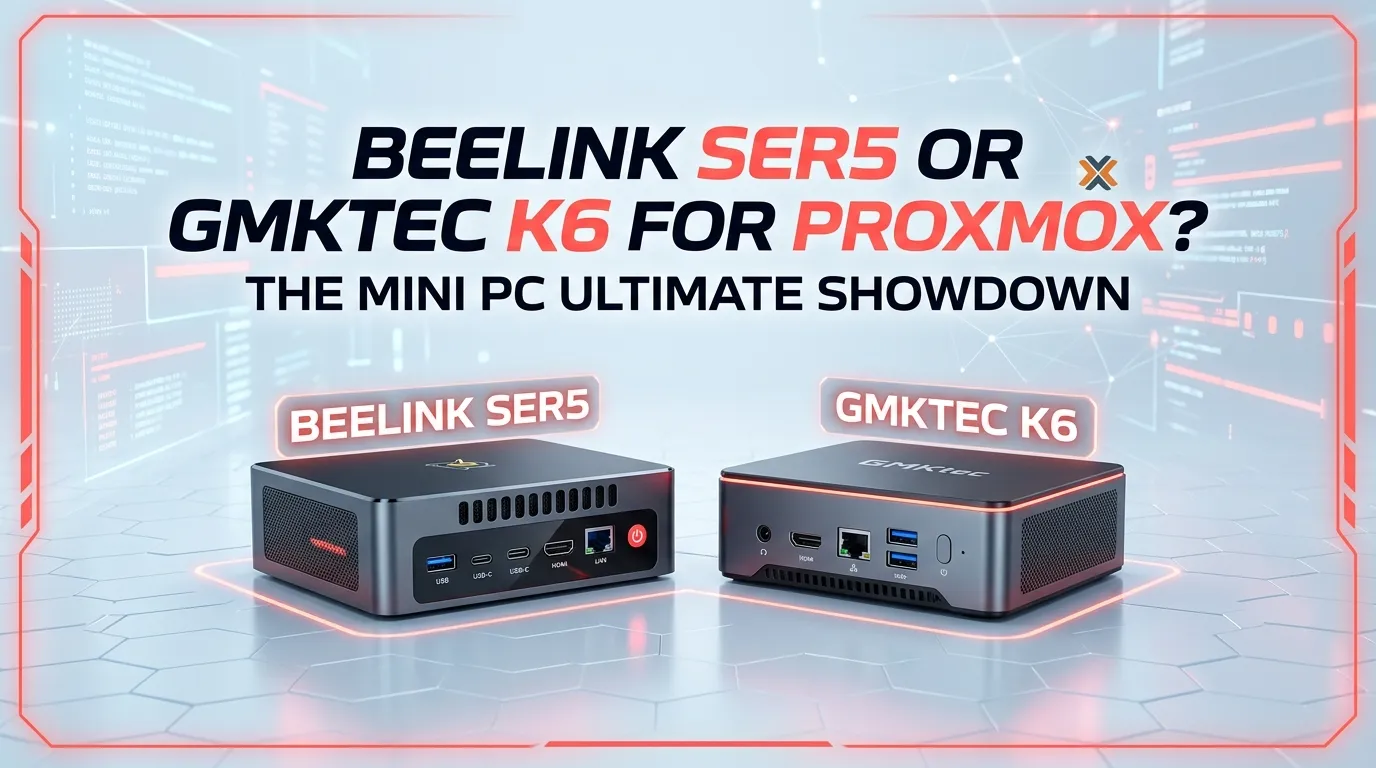
Beelink SER5 or GMKtec K6 for Proxmox?

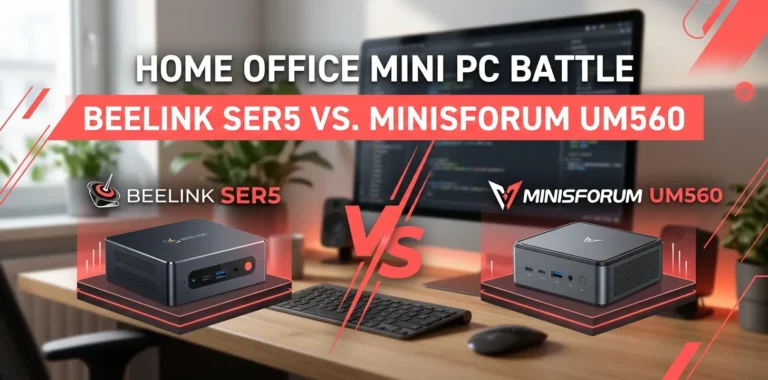
If you are choosing between the Beelink SER5 and GMKtec K6 for a Proxmox home lab, the GMKtec K6 is the better choice for most new builds. Its Ryzen 7 7840HS provides 8 cores and 16 threads, while the K6 also offers DDR5 memory, dual 2.5GbE ports, and two PCIe 4.0 M.2 slots. The SER5 can still be a good low-cost Proxmox node, especially when already owned or heavily discounted.
GMKtec K6 vs Beelink SER5 for Proxmox
The biggest difference is that these machines target different performance levels.
The SER5 is available with several AMD Ryzen processors, including configurations based on the Ryzen 5 5560U, Ryzen 5 5500U, and Ryzen 7 5700U. That means you should check the exact SER5 configuration before comparing it with the K6.
The GMKtec K6 discussed here uses the Ryzen 7 7840HS, an 8-core/16-thread Zen 4 processor with a maximum boost clock of up to 5.1 GHz. It also uses DDR5-5600 memory and supports up to 64GB of RAM.
| Feature | Beelink SER5 | GMKtec K6 |
|---|---|---|
| Typical CPU options | Ryzen 5 5560U / 5500U or Ryzen 7 5700U variants | Ryzen 7 7840HS |
| CPU cores/threads | Depends on configuration | 8 / 16 |
| Memory | DDR4, configuration-dependent | DDR5-5600 |
| Max RAM | Up to 64GB on some configurations | Up to 64GB |
| NVMe storage | 1 M.2 slot on many configurations | 2 × PCIe 4.0 M.2 |
| 2.5-inch SATA bay | Available on some SER5 versions | No |
| Ethernet | Configuration-dependent | 2 × 2.5GbE |
| Wi-Fi | Configuration-dependent | Wi-Fi 6 |
| Proxmox suitability | Good | Excellent |
| Best use | Budget/smaller home lab | Larger home lab and multiple VMs |
Because the SER5 name covers multiple hardware configurations, the exact model matters more than the product name alone.
Why the GMKtec K6 is better for a Proxmox server
Proxmox does not require an extremely powerful processor. It supports 64-bit AMD systems with AMD-V virtualization, and its recommended hardware guidance calls for at least 2GB for the Proxmox host plus additional memory for virtual machines and containers.
The real question is not whether either mini PC can run Proxmox. Both can.
The question is how much you want to run on top of Proxmox.
The K6 has several advantages here.
More CPU headroom
The Ryzen 7 7840HS has 8 cores and 16 threads. That gives you considerably more room for multiple virtual machines and containers than a 6-core/12-thread SER5 configuration such as the Ryzen 5 5560U.
For example, a small Proxmox installation might run:
- Home Assistant
- Pi-hole
- Debian or Ubuntu server
- Docker containers
- A lightweight Windows VM
- Monitoring tools
A SER5 can handle this type of workload when configured appropriately. There are also real-world Proxmox home-lab examples using SER5 systems for Home Assistant, Docker, and other services.
The K6 gives you more CPU capacity when you start adding additional VMs.
Faster DDR5 memory
The K6 supports DDR5-5600 memory and up to 64GB according to GMKtec’s specifications.
RAM is especially important in a virtualization server because every VM needs its own allocation.
Suppose you give:
- 8GB to a Windows VM
- 4GB to a Linux VM
- 4GB to Home Assistant
- 2GB to another service
You have already allocated 18GB before accounting for the Proxmox host and additional services.
That is why a 32GB or 64GB configuration makes more sense for a serious Proxmox machine than a basic 16GB setup.
Two 2.5GbE ports
This is one of the K6’s biggest advantages for homelab use.
GMKtec lists two 2.5GbE Ethernet ports on the K6.
That gives you more flexibility for networking, storage traffic, virtualized network appliances, or separate network connections.
The SER5 can still work perfectly well with a single Ethernet port for a simple home lab. But if networking becomes part of the project, having two physical 2.5GbE ports is useful.
Two M.2 slots
The K6 has two PCIe 4.0 M.2 2280 slots, with support for storage expansion up to 4TB according to GMKtec.
This can be useful for separating workloads.
For example, you could use one NVMe drive for the Proxmox installation and VM storage while reserving another drive for a different storage role.
That does not automatically make the system a fully redundant server, though. Two drives inside one mini PC do not protect you from failure of the entire machine.
Where the Beelink SER5 still makes sense
The SER5 should not be dismissed simply because the K6 is faster.
For a small Proxmox home lab, the SER5 can be more than enough.
A real Proxmox forum discussion specifically considered a SER5 with a Ryzen 5 5500U, 16GB RAM, and 500GB storage for Home Assistant and a few low-resource VMs. The discussion indicates that this type of hardware can be suitable for that workload.
That makes the SER5 attractive when your needs are modest.
Choose the SER5 if you already own one
If you already have a SER5 sitting on your desk, there is little reason to replace it just because you are starting with Proxmox.
Install Proxmox, give the host enough RAM, use SSD storage, and start with your actual workload.
You can always upgrade later if you discover that CPU, memory, storage, or networking has become a limitation.
Choose the SER5 for a basic home lab
A SER5 can be a good fit for services such as:
- Home Assistant
- Pi-hole
- Tailscale
- Lightweight Linux servers
- Docker workloads
- Small development environments
- A few low-resource VMs
It is especially attractive if you find a substantially cheaper SER5 configuration.
The SER5 can be useful in a Proxmox cluster
Several small machines can also be more interesting than one very powerful mini PC if your goal is to learn about clustering and virtualization.
A SER5 can serve as an inexpensive Proxmox node, while additional hardware can be added later.
The trade-off is that consumer mini PCs are not the same as enterprise servers. You should plan for backups rather than assuming that a cluster automatically protects all your data.
Storage matters more than many buyers expect
CPU gets most of the attention when people compare mini PCs, but storage can make a major difference in a virtualization system.
Proxmox recommends fast SSD storage for good performance. Its documentation also notes that additional memory is needed for ZFS and that storage requirements depend heavily on how the system is configured.
For a basic home lab, a decent NVMe SSD is usually a sensible starting point.
If you plan to run many VMs, databases, or storage-heavy workloads, think about:
- SSD endurance
- Available capacity
- Backup strategy
- VM disk layout
- Storage redundancy
- Network storage
Do not confuse a second SSD with a backup. If both drives are inside the same mini PC and the computer fails, both may become unavailable.
Which one is better for multiple VMs?
GMKtec K6.
This is where the stronger processor and memory platform become useful.
Imagine a home lab with:
- Home Assistant
- Ubuntu Server
- Windows 11 VM
- Docker
- Network monitoring
- A test Linux VM
The SER5 may handle a setup like this depending on the exact CPU, RAM, and workload. But the K6 gives you substantially more room to grow.
The more VMs you add, the more valuable CPU cores, threads, and RAM become.
Which one is better for a beginner?
For someone learning Proxmox for the first time, either one can work.
The SER5 may actually be the better learning machine if you already own it.
You do not need a Ryzen 7 7840HS just to learn:
- How Proxmox works
- How to create VMs
- How to create LXC containers
- How virtual networking works
- How backups work
- How to manage storage
- How to use the Proxmox web interface
Proxmox itself is designed to run on standard 64-bit AMD64 hardware with AMD-V support for KVM virtualization.
The K6 becomes more attractive when you know that you want to run a larger number of workloads.
What about PCIe passthrough?
This deserves attention if you want to experiment with advanced virtualization.
Proxmox says PCI(e) passthrough requires a CPU supporting the appropriate virtualization feature, such as AMD-Vi.
Mini PCs can be less predictable than purpose-built desktop hardware for passthrough because firmware, integrated graphics, IOMMU grouping, and device configuration can affect the experience.
So if your primary reason for buying the machine is GPU passthrough or another specialized PCIe setup, do not choose based on CPU performance alone.
Check compatibility for your exact hardware and intended device.
Two practical Proxmox setups
Example 1: Small home server
Suppose you want:
- Home Assistant
- Pi-hole
- One Debian VM
- A few Docker containers
A 16GB or 32GB SER5 can be a reasonable starting point.
You probably do not need the extra CPU power of the K6 unless you expect to add more demanding workloads later.
Example 2: Larger homelab
Suppose you want:
- Home Assistant
- Multiple Linux VMs
- Windows VM
- Docker
- Development environments
- Network services
- Several test machines
The K6 makes more sense.
Its 8-core/16-thread Ryzen 7 7840HS, DDR5 support, dual 2.5GbE networking, and two M.2 slots give you more room for a growing lab.
Which one should you buy?
The decision is fairly simple.
| Your situation | Better choice |
|---|---|
| You already own a SER5 | SER5 |
| One or two lightweight VMs | SER5 |
| Home Assistant and basic services | SER5 |
| Lowest upfront cost | SER5, if discounted |
| Several VMs | GMKtec K6 |
| Windows + Linux VMs | GMKtec K6 |
| More CPU headroom | GMKtec K6 |
| 2.5GbE networking | GMKtec K6 |
| Two NVMe drives | GMKtec K6 |
| Larger homelab | GMKtec K6 |
| New Proxmox build with room to grow | GMKtec K6 |
Is the GMKtec K6 worth paying more for Proxmox?
For a new Proxmox build, yes, if the price difference is reasonable.
You are not buying the K6 simply because Proxmox needs a powerful CPU. It does not.
You are paying for extra capacity that can become useful as your virtual machines, containers, storage, and networking requirements grow.
GMKtec currently lists the K6 with the Ryzen 7 7840HS, up to 64GB DDR5 support, two PCIe 4.0 M.2 slots, and dual 2.5GbE networking.
If the SER5 is significantly cheaper and your workload is small, save the money.
If both are close in price, the K6 is the more capable long-term platform.
One thing to check before buying either
Do not buy based only on the product name.
The Beelink SER5 has multiple processor configurations, so a Ryzen 5 SER5 and Ryzen 7 SER5 should not be treated as identical machines.
Check the exact:
- CPU
- RAM capacity
- RAM type
- SSD capacity
- Ethernet configuration
- M.2/SATA expansion
- BIOS options
- Warranty
This is especially important when buying an older SER5 configuration from a marketplace.
The same rule applies to preconfigured K6 models: check the exact RAM and SSD configuration rather than assuming every listing has the same hardware.
Frequently Asked Questions
Can the Beelink SER5 run Proxmox well?
Yes. The SER5 is capable of running Proxmox, and real-world home-lab users have used SER5 systems for Proxmox with services such as Home Assistant and Docker. Your experience will depend on the exact SER5 processor, RAM, storage, and workload.
Is the GMKtec K6 overkill for Proxmox?
For a couple of lightweight VMs, probably. The K6 becomes more useful when you want multiple VMs, heavier workloads, more RAM, faster networking, or additional NVMe storage. Its Ryzen 7 7840HS and 64GB maximum memory support give it considerable headroom.
How much RAM should I get for a Proxmox mini PC?
For a very small lab, 16GB can work, but 32GB is a better starting point for multiple VMs. If you plan to run several operating systems, Windows VMs, or memory-heavy services, 64GB gives you much more flexibility. Proxmox’s own requirements specify memory for the host plus additional RAM for guest systems.
Final verdict
For a new Proxmox home lab, the GMKtec K6 is the better overall choice. Its Ryzen 7 7840HS, DDR5 memory, dual 2.5GbE ports, and dual NVMe capability make it better suited to multiple VMs and future expansion.
But the Beelink SER5 remains a smart budget option. If you already own one, or find a Ryzen 7/32GB configuration at a much lower price, there is no need to spend extra simply to run Proxmox.
The practical tip is simple: buy for the workload you actually expect, not for the Proxmox label. For a small Home Assistant and Linux setup, the SER5 is enough. For a growing homelab where you expect to keep adding VMs, start with the K6