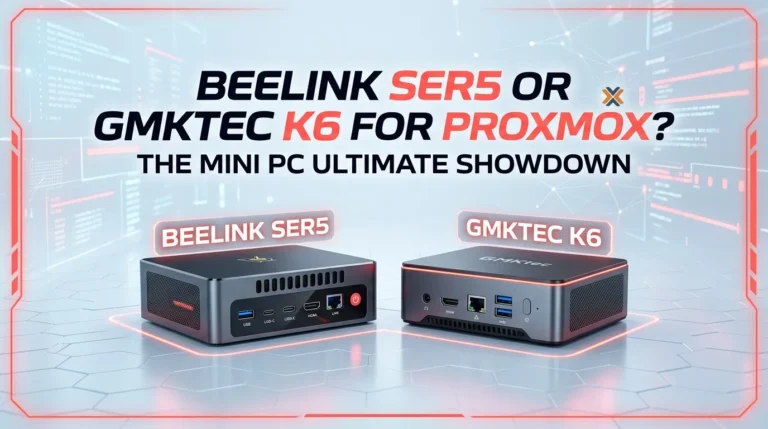
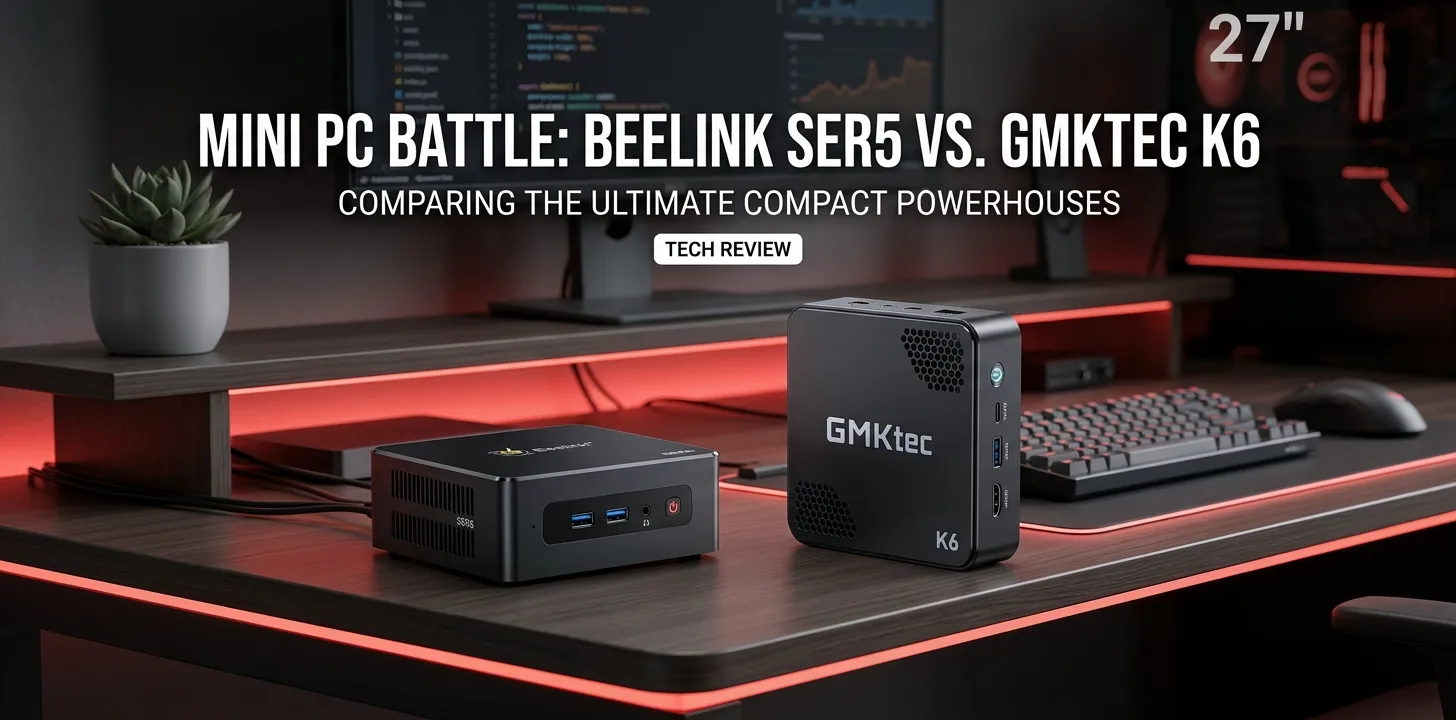
Beelink SER5 or GMKtec K6 for Plex?

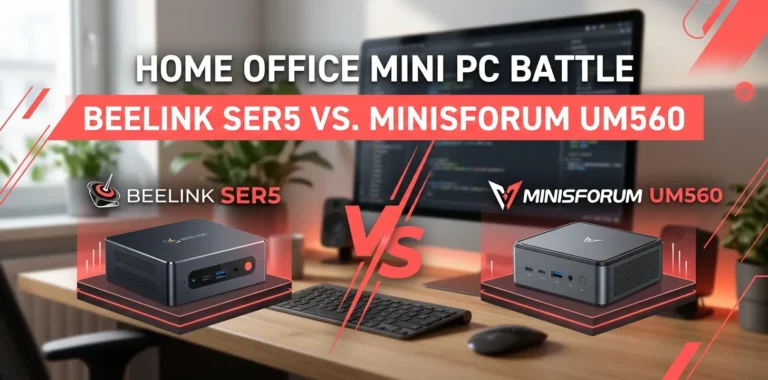
If you are choosing between the Beelink SER5 and GMKtec K6 for a Plex Media Server, the GMKtec K6 is the stronger overall mini PC, thanks to its Ryzen 7 7840HS, Radeon 780M graphics, faster DDR5 memory, and dual 2.5GbE networking. However, the SER5 can still make sense for a smaller Plex library, especially when most devices can Direct Play your media.
The key point is that Plex performance is not determined by CPU power alone. Direct Play, video transcoding, subtitles, HDR conversion, network speed, and your number of simultaneous streams all matter. Plex itself notes that server requirements vary based on media, clients, and how much transcoding you need.
Beelink SER5 vs GMKtec K6 at a glance
The two systems are built around very different generations of AMD hardware. The SER5 configuration commonly associated with this comparison uses the Ryzen 5 5560U, a 6-core/12-thread Zen 3 processor with Radeon graphics. The K6 uses the Ryzen 7 7840HS, an 8-core/16-thread Zen 4 processor with Radeon 780M graphics.
| Feature | Beelink SER5 | GMKtec K6 |
|---|---|---|
| CPU | Ryzen 5 5560U | Ryzen 7 7840HS |
| CPU cores / threads | 6 / 12 | 8 / 16 |
| CPU architecture | Zen 3 | Zen 4 |
| Integrated GPU | Radeon Graphics | Radeon 780M |
| Memory | DDR4 | DDR5-5600 |
| Maximum memory | Up to 64GB | Up to 64GB |
| Storage expansion | Varies by configuration | 2 × M.2 PCIe 4.0 |
| Ethernet | Configuration-dependent | 2 × 2.5GbE |
| Best fit | Basic Plex server | More demanding home server |
The K6 has a substantial hardware advantage on paper. GMKtec lists two 2.5GbE ports, two M.2 PCIe 4.0 slots, DDR5-5600 support, and the Radeon 780M on its K6 specification page.
What matters most for a Plex server
Before choosing either mini PC, it helps to understand the difference between Direct Play and transcoding.
With Direct Play, your Plex server sends the original media file to the client without converting the video. This is the easiest workload for the server.
Transcoding is different. Plex may need to convert the video when the playback device cannot handle the original codec, resolution, bitrate, or another part of the file. Plex describes transcoding as a potentially CPU-intensive task, particularly when hardware acceleration is not being used.
That creates two very different buying scenarios.
If your household mostly watches compatible files on modern TVs, streaming boxes, phones, or computers, you may not need a powerful CPU at all.
If you expect several users to stream remotely, frequently convert 4K files, or deal with demanding media formats, hardware capabilities become much more important.
GMKtec K6 is the better choice for demanding Plex use
The K6’s biggest advantage is its Ryzen 7 7840HS platform.
AMD lists the 7840HS with 8 cores and 16 threads, a boost clock of up to 5.1 GHz, and Radeon 780M integrated graphics with 12 graphics cores.
That gives the K6 considerably more CPU headroom for a home server doing more than just Plex.
For example, a hypothetical home server might run:
- Plex Media Server
- File sharing
- Automated media-management applications
- A few Docker containers
- Backup jobs
- A lightweight home service or two
The K6 is much better suited to that kind of mixed workload than a 5560U-based SER5.
Its dual 2.5GbE ports are another useful advantage if you have a fast wired home network or plan to use the mini PC for broader server duties. GMKtec also provides two PCIe 4.0 M.2 storage slots, which gives the K6 more room to grow as a small home server.
The SER5 can still be enough for a simple Plex setup
The Beelink SER5 should not be dismissed just because it is older.
The Ryzen 5 5560U is a 6-core/12-thread Zen 3 processor with a 15W default TDP and integrated Radeon graphics.
For a basic Plex setup, that can be perfectly reasonable.
Imagine you have a home library of 1080p movies and TV shows. Most of your playback devices support the formats in your library, and you mainly watch locally. In that situation, much of the workload can be Direct Play rather than full video transcoding.
You could save money by choosing the SER5 instead of paying for K6-level performance that your Plex setup may never use.
The important distinction is this:
Buying the K6 because it has a much faster CPU does not automatically mean Plex will perform proportionally better.
If your clients Direct Play your media, the difference between these CPUs matters far less than it would in a heavily transcoded server.
Hardware transcoding is where this comparison gets tricky
This is the part many mini-PC comparisons oversimplify.
Both systems use AMD integrated graphics, but the video capabilities of their underlying processors are not identical.
AMD’s specifications for the Ryzen 7 7840HS show hardware support for decoding H.264, H.265/HEVC, VP9, AV1, and other formats, along with hardware encoding for H.264, H.265, and AV1.
The 5560U is an older Cezanne-generation chip with Radeon graphics, so you should not assume that it offers the same video-engine capabilities as the newer 7840HS simply because both have integrated Radeon graphics.
More importantly, Plex’s software and operating-system support matter just as much as the raw AMD specification.
Plex says hardware-accelerated streaming requires an active Plex Pass subscription for the server owner. Plex also notes that hardware acceleration can increase the number of simultaneous transcodes, but compatibility depends on the hardware and software environment.
So if your main reason for buying a mini PC is hardware transcoding, don’t choose based solely on CPU benchmarks. Check the exact Plex operating system, driver setup, codec requirements, and hardware-acceleration support you plan to use.
What about 4K Plex?
For 4K media, the answer depends heavily on whether you can Direct Play it.
A 4K file that plays directly can be surprisingly easy for a server to handle because the server is mostly delivering the existing file.
A 4K file that needs to be transcoded is a very different workload.
HDR makes the situation more complicated. Plex’s current HDR-to-SDR tone-mapping documentation lists specific hardware and platform requirements, and its documented hardware support is not simply a blanket “any AMD iGPU works” situation.
That means you should be cautious about buying the K6 solely because its Radeon 780M looks powerful on a specification sheet.
If 4K HDR transcoding is a major requirement, the better approach is to verify the exact Plex support for your chosen operating system and workflow before buying.
For a Plex server where 4K files are normally Direct Played, either machine can be a much more reasonable proposition.
Which one is better for multiple Plex users?
This is where the K6 starts making more sense.
Suppose your server has several users:
- You watch a movie locally.
- Someone else watches remotely.
- Another household member watches from a phone.
- A fourth device requests a format that needs conversion.
Now the server has more work to do.
Plex explains that simultaneous transcoding can become a major source of CPU usage and provides a setting for limiting the number of simultaneous video transcodes.
The K6’s 8-core/16-thread Ryzen 7 7840HS gives you more CPU headroom than the 6-core/12-thread 5560U.
That does not mean you should treat the K6 as having a guaranteed number of Plex transcodes. There are too many variables, including codec, resolution, subtitles, HDR processing, hardware acceleration, and Plex version.
But between these two machines, the K6 is the safer choice for a growing household Plex server.
Subtitles can change the workload
Subtitles are another reason not to judge a Plex server by CPU cores alone.
Some subtitle situations can require additional processing, especially when the subtitle format or playback device causes Plex to burn subtitles into the video rather than simply pass them through.
That can turn what looked like an easy Direct Play situation into a much heavier server workload.
If your library frequently uses subtitles, test your actual media files and playback devices rather than assuming that “1080p” or “4K” tells the whole story.
Storage matters more than the mini PC itself
Neither the SER5 nor K6 solves the storage problem by itself.
Your Plex library can quickly become much larger than the internal SSD capacity of a mini PC.
For example, you might use the mini PC as the Plex server while storing movies and TV shows on:
- A USB hard drive
- A USB SSD
- A NAS
- A separate file server
- Network-attached storage
The K6 is particularly interesting for a small home-server build because GMKtec provides two M.2 PCIe 4.0 storage slots.
Still, internal NVMe storage is not necessarily the best place for a large media collection. A Plex server often benefits from separating the operating system, application data, and large media files.
Network performance can matter more than CPU performance
If you only stream Plex around your home, ordinary gigabit networking is already enough for many setups.
Remote streaming is different.
Plex notes that when users stream remotely, the server must upload the media through your internet connection, making upload bandwidth an important factor.
This is one reason the K6’s dual 2.5GbE ports are attractive for a broader home-server setup.
But don’t confuse 2.5GbE on the mini PC with 2.5Gbps internet service. Your actual remote Plex performance depends on your internet upload speed, router, network configuration, and the client’s connection.
Which one should you buy?
The choice becomes fairly simple once you match the machine to the workload.
| Your Plex setup | Better choice |
|---|---|
| One or two local users | SER5 |
| Mostly Direct Play | SER5 |
| Basic 1080p library | SER5 |
| Budget-focused Plex server | SER5 |
| Several Plex users | K6 |
| Remote streaming for several people | K6 |
| Plex plus Docker/home-server workloads | K6 |
| Larger storage expansion needs | K6 |
| More CPU headroom | K6 |
| Newer integrated graphics/video engine | K6 |
The biggest exception is price.
If you find a SER5 at a significantly lower price and your Plex library is mostly Direct Play, spending substantially more on the K6 may not improve your actual viewing experience.
Beelink SER5 or GMKtec K6 for Plex: the practical verdict
Choose the Beelink SER5 if Plex is your main goal and your workload is light. It has enough CPU performance for a basic home Plex server, especially when your clients can Direct Play most of your media.
Choose the GMKtec K6 if you want more than a basic Plex box. Its Ryzen 7 7840HS, Radeon 780M, DDR5 memory support, dual 2.5GbE networking, and dual PCIe 4.0 M.2 slots make it the more capable platform for a growing home server.
One important caution: don’t buy either machine solely on the assumption that AMD integrated graphics will give you trouble-free Plex hardware transcoding. Plex hardware transcoding depends on Plex Pass, supported hardware, drivers, operating system, and the specific media workload.
For most buyers, my decision would be:
SER5 for a cheap, simple Plex server. K6 for a stronger long-term home server that happens to run Plex.
Frequently asked questions
Is the GMKtec K6 overkill for Plex?
It can be if your Plex clients mostly Direct Play their media. The K6 becomes more worthwhile when you have several users, more demanding transcoding workloads, or want to run Plex alongside other server applications.
Can the Beelink SER5 run a Plex Media Server?
Yes. Plex supports Windows and Linux on x86-64 systems, and the Ryzen 5 5560U is an x86-64 processor. Whether it performs well for your setup depends on the number of users, media formats, and how often Plex needs to transcode.
Do I need Plex Pass for hardware transcoding?
Yes. Plex states that using hardware-accelerated streaming requires an active Plex Pass subscription for the server owner account. Without it, you should not buy a mini PC specifically expecting Plex hardware transcoding features to be available.
The bottom line
For a basic Plex server, the Beelink SER5 remains a sensible low-cost option if you can get it at a good price and your devices mostly Direct Play.
For a new Plex server you plan to keep for years, I’d lean toward the GMKtec K6. Its newer Ryzen 7 7840HS platform gives you substantially more CPU and integrated-GPU capability, while the dual 2.5GbE ports and two PCIe 4.0 M.2 slots make it more useful beyond Plex.
The practical tip is to check your Plex dashboard and identify how often your current library actually transcodes before spending more on hardware. If almost everything is Direct Play, a cheaper SER5 may be all you need.